Deployment Solution 25
Preparing To Install
3. Select the Administrator account you are using to install Deployment Solution. If it
does not exist, add it.
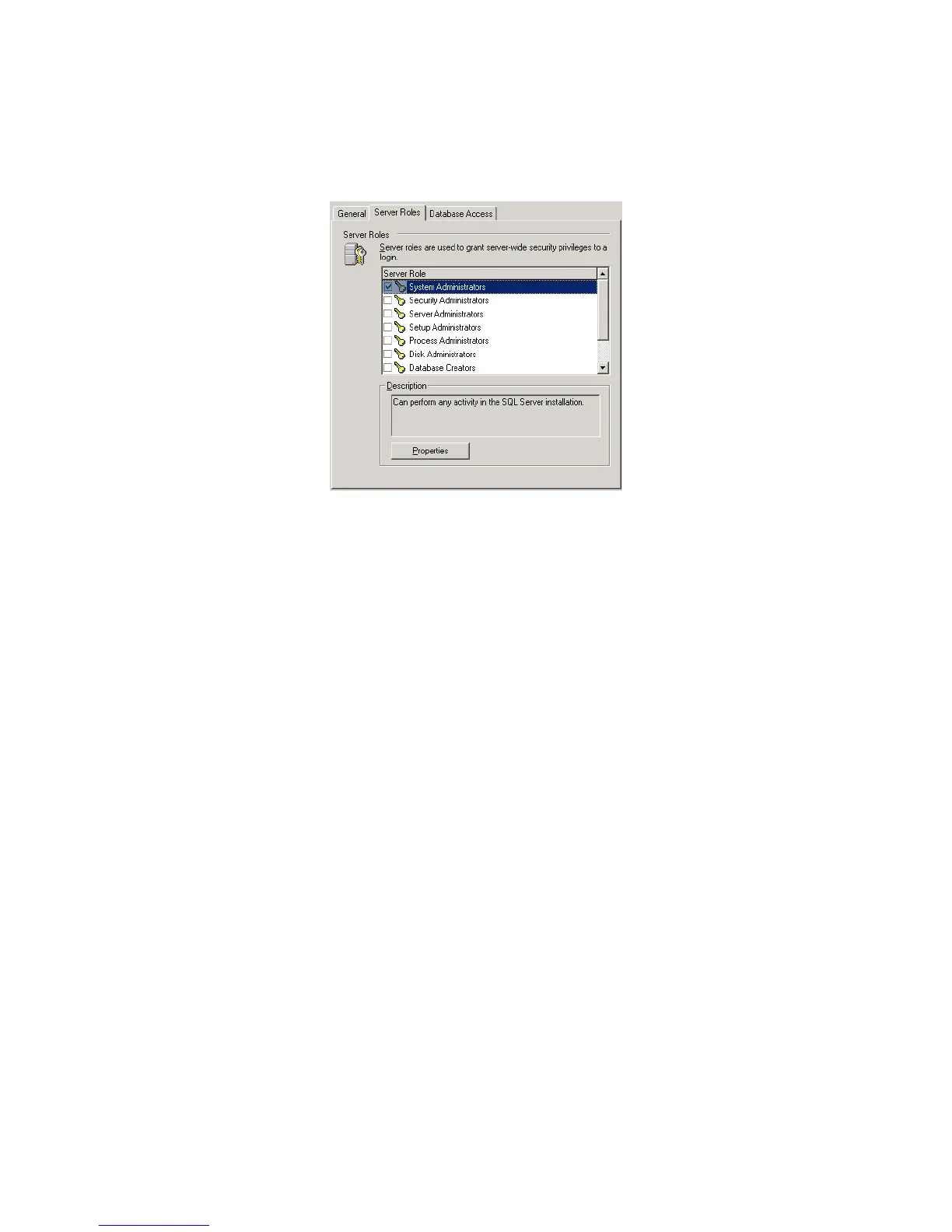
4. Click the Server Roles tab, and enable System Administrators:
5. Click OK and verify that the role was added.
MSDE Database Engine
Optionally, in smaller installations, you can use the MSDE database engine instead of
SQL Server. This is typically not recommended due to the lack of database management
tools. MSDE must be installed on the same computer as the Deployment Server
component.
If you decide to use MSDE, it can be installed by selecting the Simple Install Helper
option in the installation program. We recommend using the Simple Install Helper to
install MSDE as this version is usable by Deployment Solution immediately after
installation and requires no additional configuration on your part.
Step 2: Create a Services Account
Create an account to run the services and connect to the database. This account is used
only by Deployment Server, and is not tied to a user. For security reasons, we don’t
recommend using an existing administrator account which might possess rights beyond
those needed by Deployment Server. The account should not be part of a group and
should not posses interactive login privileges.
If your Deployment Database, Server, and Share are installed on the same computer,
create a local account on that computer.
If your Deployment Database or Share will be on a different computer than your
Deployment Server, create a domain-level account, or create local accounts with the
same credentials on each computer hosting a Deployment Solution component.
Example:
If your SQL Server is on another computer and you are not using a domain-level
account, create a local account with the same credentials on your SQL Server computer.
The same situation applies if your Deployment Share is hosted on another computer.




 To Next Page