Deployment Solution 214
Securing Deployment Solution
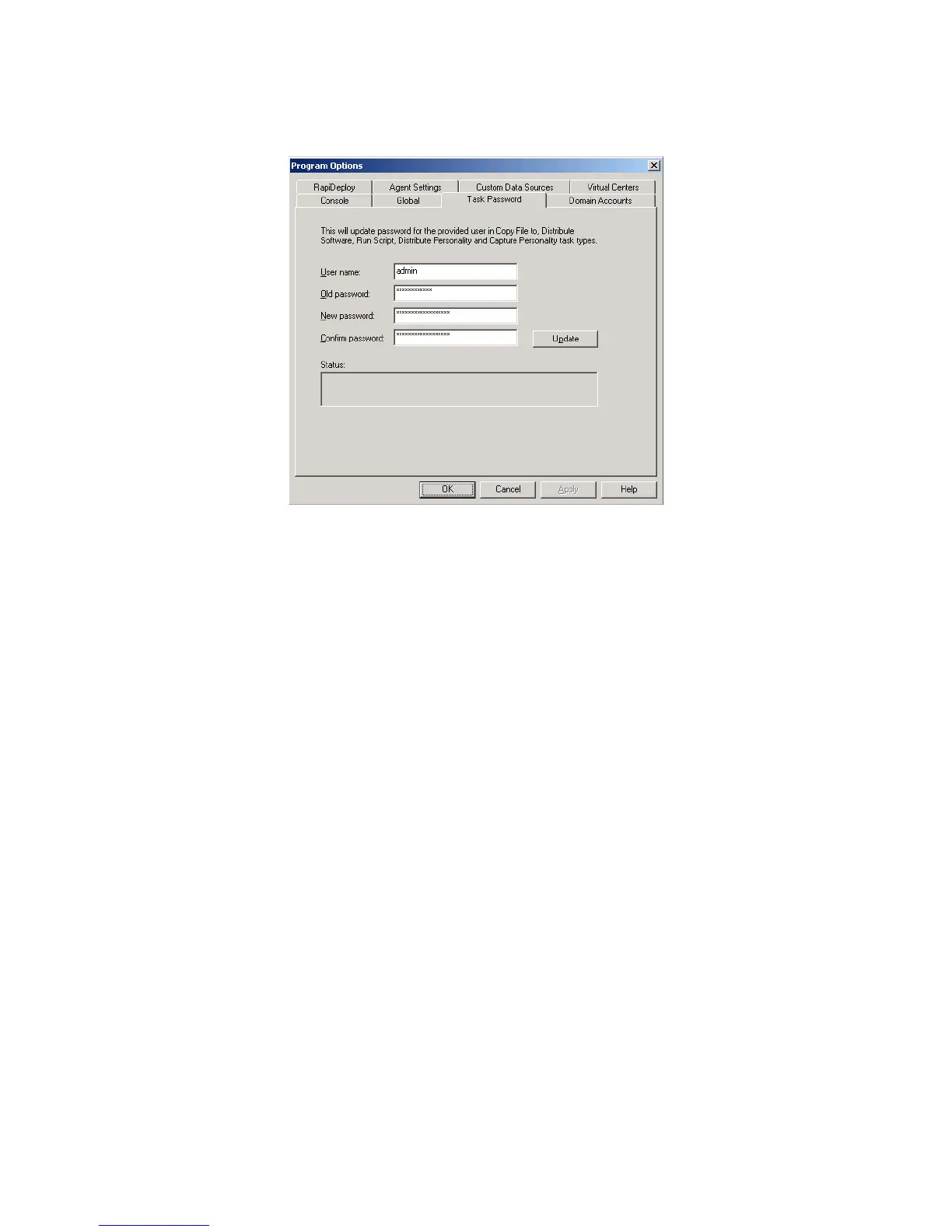
4. Click Update.
Appendix C: Managing Key-Based Agent
Authentication
Key authentication is configured and ready to be enabled after installation. This
appendix contains information on backing up your authentication keys and enabling
redirection to another Deployment Server.
Backing up the Server Private Key
During installation, a private key is generated on the Deployment Server and stored in
the registry at the following location:
HKLM\Software\Altiris\Altiris
eXpress\Options\Security\ServerSecurity
This security key should be backed up to a secure location in case this Deployment
Server needs to be re-installed. If you re-install without this key, each agent using key
authentication needs to be updated to use the newly generated server.key file.
The public key is located on your Deployment Share and should be backed up as well.
Enabling Key-based Authentication with Redirection
If your Deployment Server is set up to redirect Agents to another Deployment Server,
you need to import the server.key from each additional Deployment Server to the server
which clients initially connect.
1. In the Deployment Configuration tool, select Options > Authentication.
2. Copy the public key file from each additional Deployment Server and use the Add
Key to add each server to the list.




 To Next Page