Deployment Solution 64
Deployment Basics
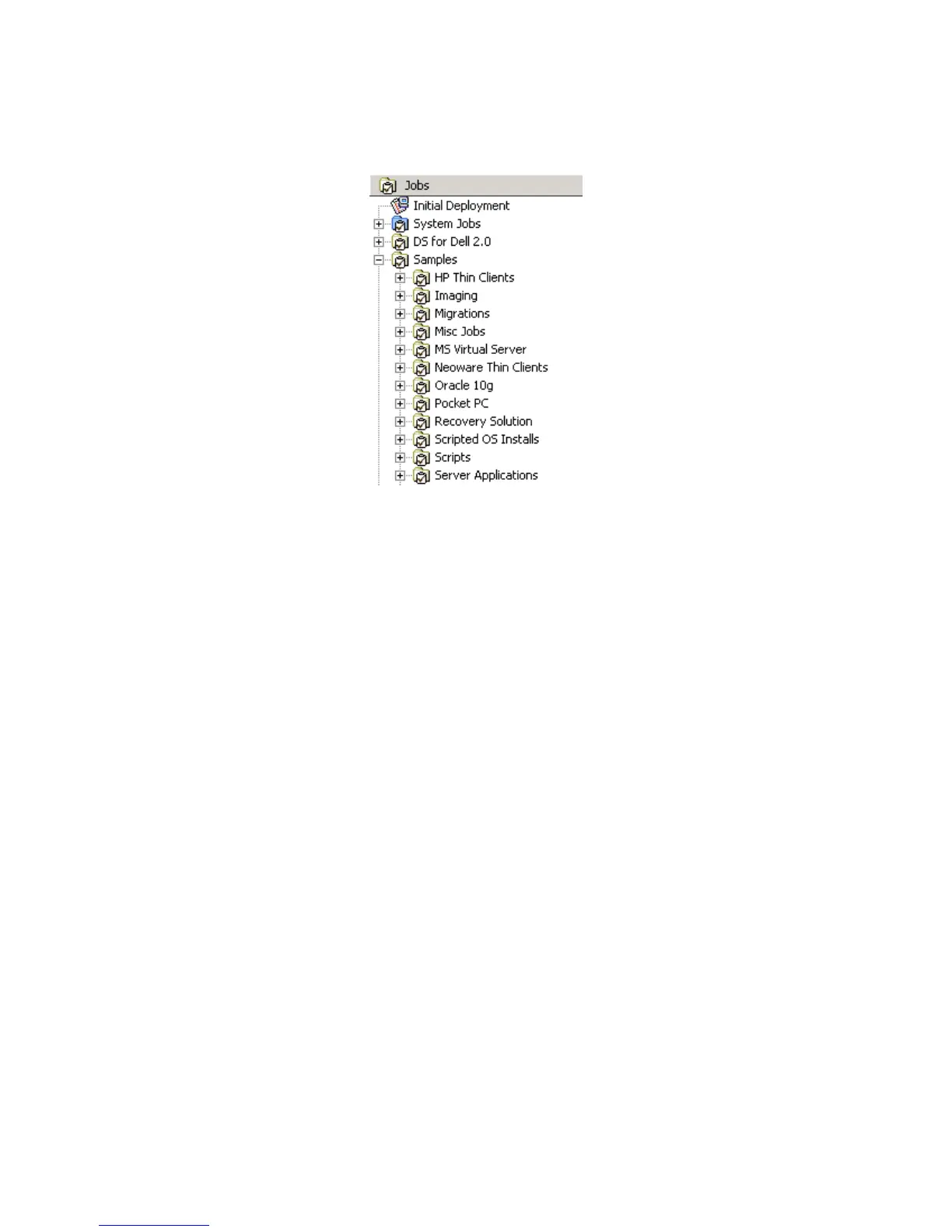
Each job that can be assigned to a computer or computer group is represented in the
jobs pane:
Computers are assigned jobs by dragging and dropping computers onto a job. Jobs can
also be scheduled by right-clicking and selecting the Job Scheduling Wizard.
Creating Jobs and Tasks
Jobs are created by adding one or more tasks to a job. Tasks include create disk image,
distribute software, manage SVS layer, and run script.
These tasks run sequentially and can trigger other events, such as a stop job or execute
other job depending on the return code of the task.
Context Menus (Right-click)
In the Deployment Console, you can right-click almost any object for a context-specific
list of management options.
Example: if you right click a computer or group, you are given the option of viewing
computer details or job history, remote controlling or opening a chat session, renaming,
power control, and several other options.
Find a Computer in the Database
This search filter lets you type a string and query specified database fields for specific
computer properties. You can search for user or computer names, licensing or location
information, or primary lookup keys: MAC address, serial number, asset number, or
UUID. This search filter queries the property values appearing in the Computer
properties (page 119).




 To Next Page