Deployment Solution 211
Securing Deployment Solution
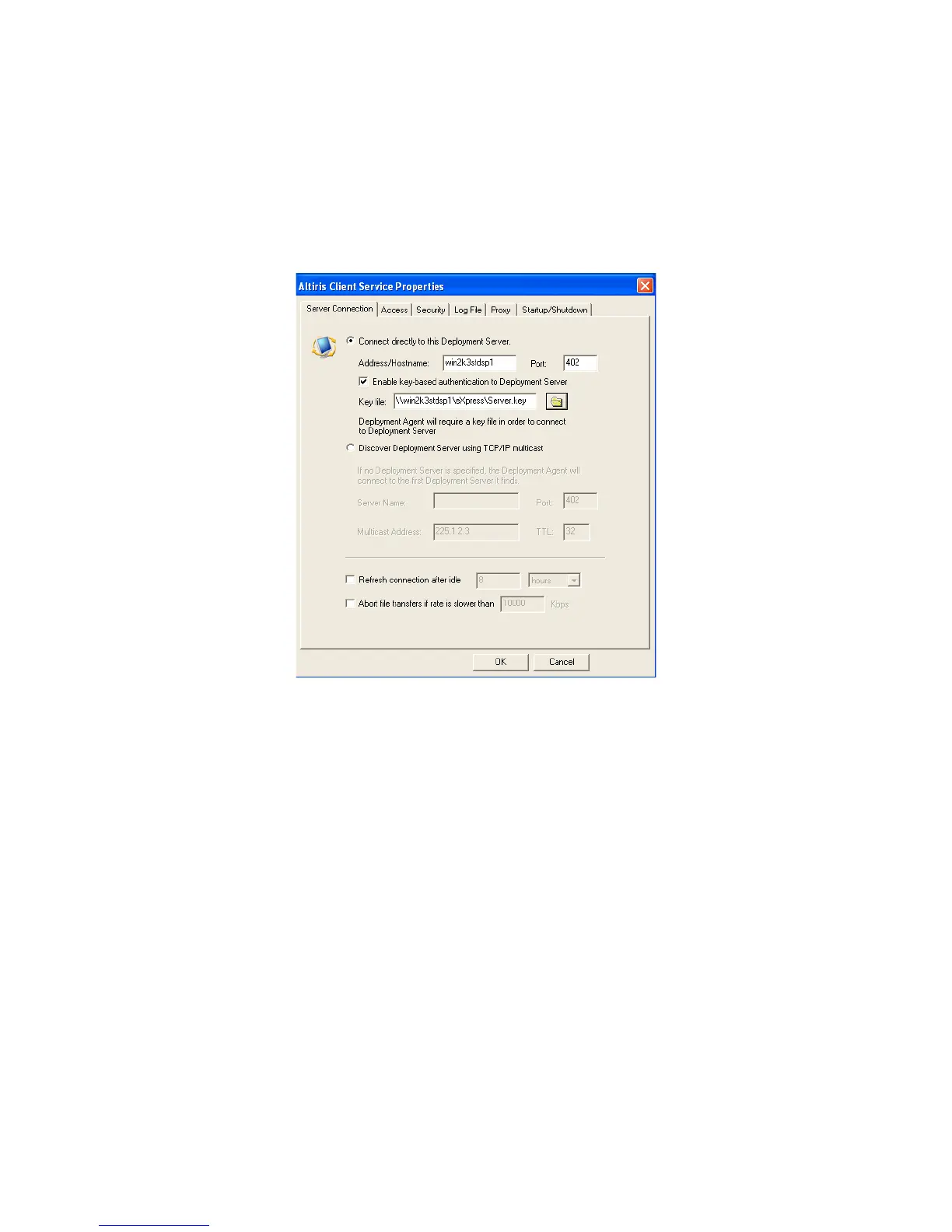
To enable server connection security
1. In the Deployment Console, right-click a computer or group and select Change
Agent Settings > Production Agent.
2. Select Connect directly to this Deployment Server and provide the hostname.
3. Select to Enable key based authentication to Deployment Server and provide the
path to your server.key file on your Deployment Share:




 To Next Page