Using the Mobile Companion Utility in Windows CE
Spectrum24 Wireless LAN Adapter Users Guide E - 21
E.4.8 Info Property Page
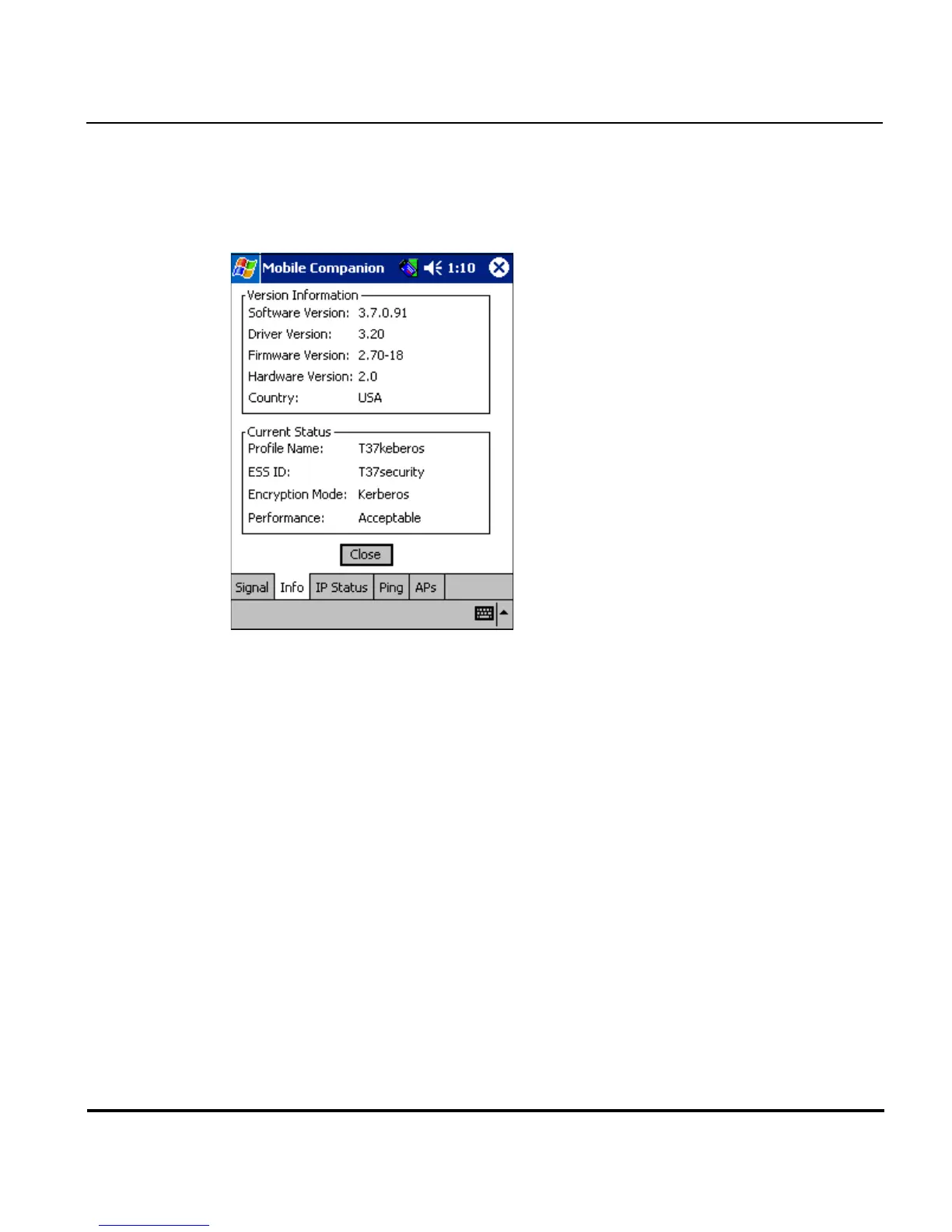
Select Info from the Mobile Companion Status menu to display the Info
property page.
Use the Info property page to view the adapter’s current software and
driver revision data as well as the operating parameters of the adapters
current profile. The Version Information field displays the adapter's
software version, driver version, firmware, hardware and country
information. This data is consistent for the adapter regardless of which
profile is the current profile.
The Current Status field displays the adapters current Profile Name, ESS ID
and Encryption mode. Adapter performance is also displayed as a verbal
indicator of signal strength. The adapter operating information differs
depending on which profile has been enabled as the current profile. All of
the fields within the Info property page are read-only and non-configurable.



 To Next Page