Using the Mobile Companion Utility
A - 16 Spectrum24 Wireless LAN Adapter Users Guide
A.4.7 Signal Property Page
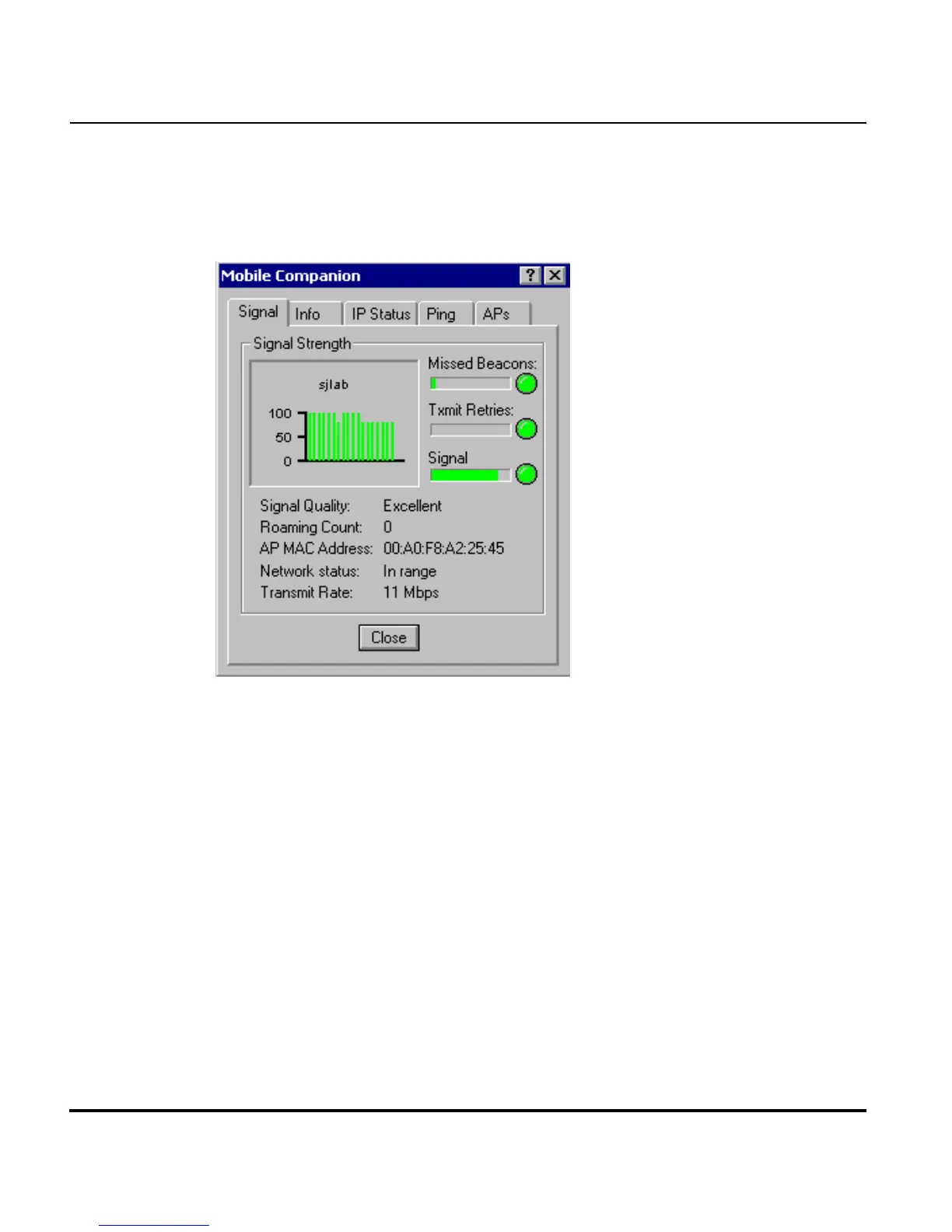
Select Status from the Mobile Companion menu to display the Signal
property page.
Use the Signal property page to display a real-time graph of the signal
quality of the adapter to the associated access point. The number of times
the adapter has roamed to and from access points, the MAC Address of the
associated AP (located on the bottom of the access point), the current data
rate and the network status are displayed. Signal quality is an indicator of
how clearly the adapter can hear the associated access point.
The Missed AP Beacons graph displays the amount of beacons (uniform
system packets broadcast by the access point to keep the network
synchronized) missed by the receiving adapter. The fewer the missed beacons
the better the signal. As long as the LED to the right of the graph is Green the
access point association is not jeopardized by an excess of missed access
point beacons. If the LED is Red, an association with a different access point
could be warranted to reduce the amount of missed beacons and improve
the signal.



 To Next Page