Using the Mobile Companion Utility
Spectrum24 Wireless LAN Adapter Users Guide A - 11
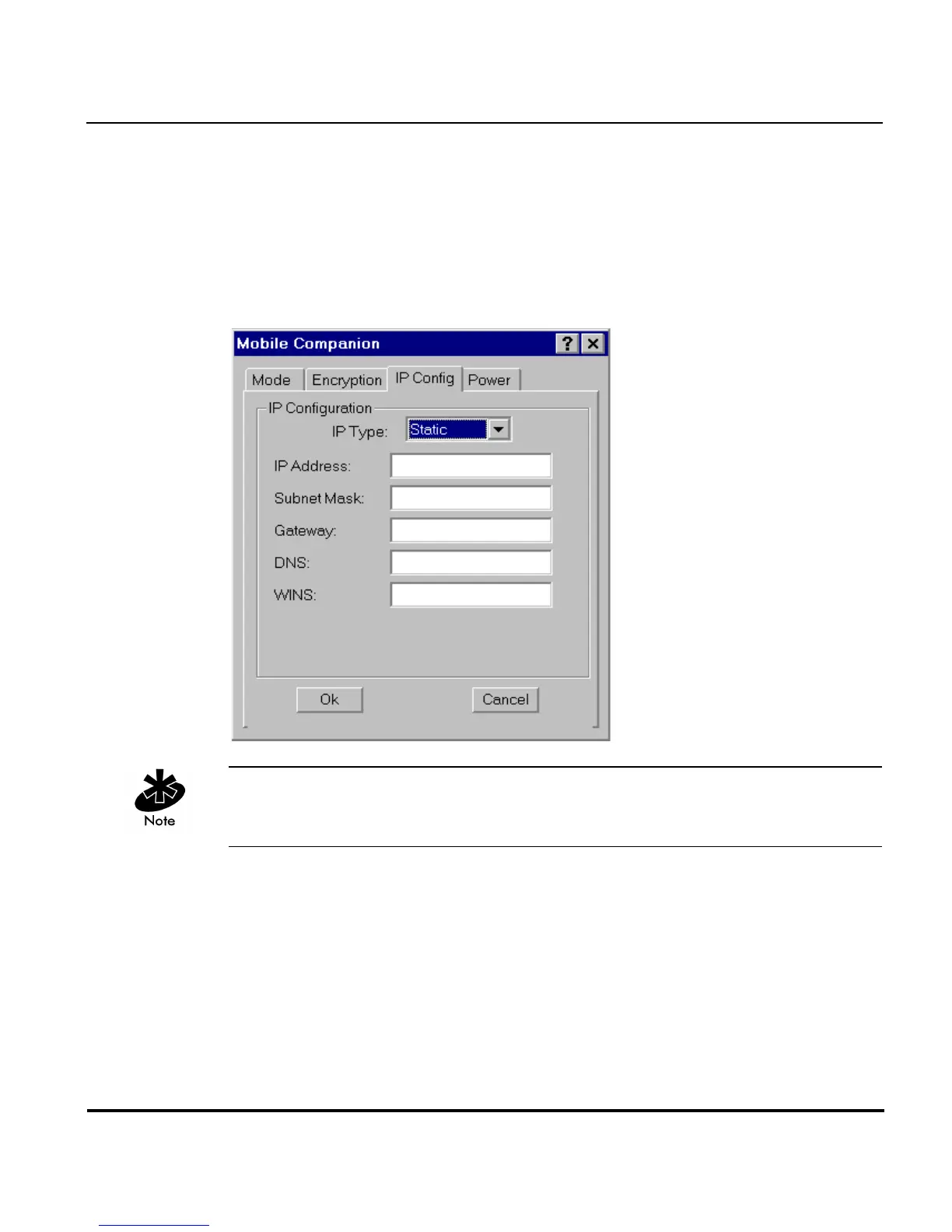
A.4.4 IP Config Property Page
Use the IP Config property page to configure the following adapter profile
network address parameters: IP address, subnet, gateway, DNS, and WINS.
Changes made within the IP Config property page only impact the profile
selected in the Mode property page and do not impact the network address
parameters configured for other profiles.
The IP Config property page is unavailable in Windows 98SE and Windows
ME environments.
Select DHCP (Dynamic Host Configuration Protocol) from the IP Type
pull-down menu to obtain a leased IP address and network configuration
information from a remote server. DHCP is the default setting for the adapter
profile. If DHCP is selected, the adapter network address and configuration
fields are not available.



 To Next Page