Using the Mobile Companion Utility
A - 18 Spectrum24 Wireless LAN Adapter Users Guide
A.4.8 Info Property Page
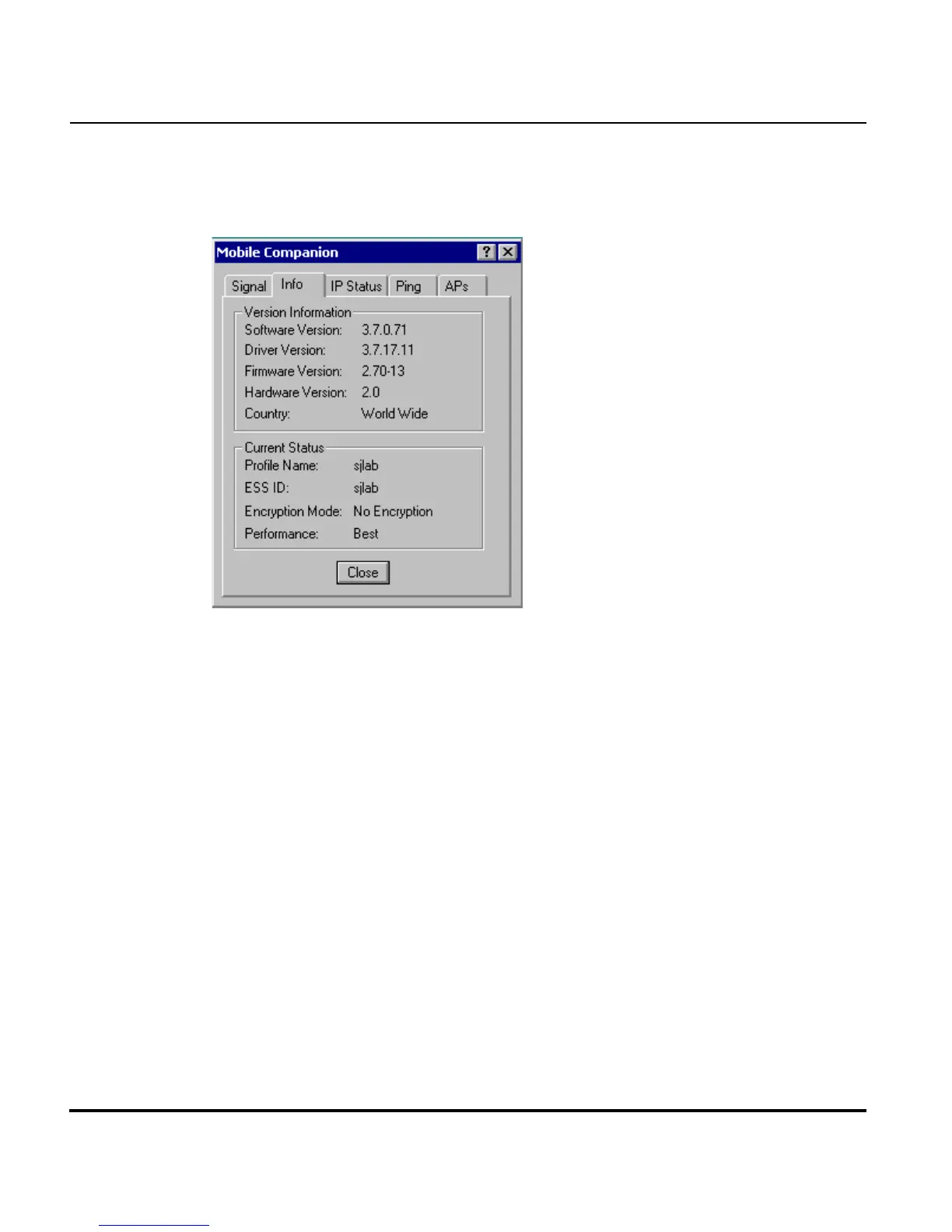
Select the Info tab to display the Info property page.
Use the Info property page to view the adapter’s current software and driver
revision data as well as the operating parameters of the adapters current
profile. The Version Information field displays the Mobile Companion
software version, driver version, firmware, hardware and country
information. This data is consistent for the adapter regardless of which
adapter profile is the current profile.
The Current Status field displays the adapters current Profile Name, ESS ID
and Encryption mode. The current status field also displays a signal strength
performance indicator. The adapter operating information differs depending
on which profile has been enabled as the current profile. All of the fields
within the Info property page are read-only and non-configurable.



 To Next Page