Using the Mobile Companion Utility
A - 24 Spectrum24 Wireless LAN Adapter Users Guide
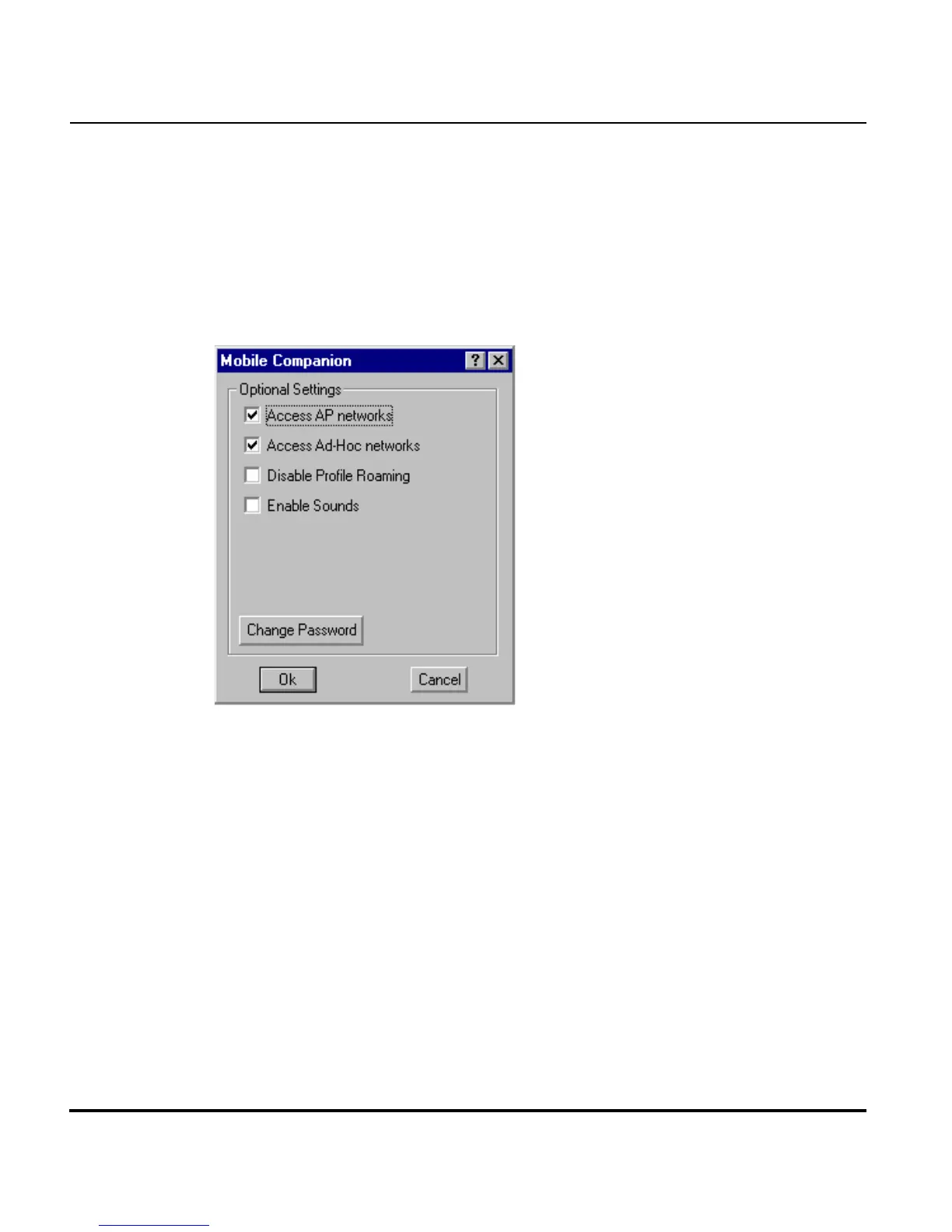
A.4.13 Optional Settings Property Page
Select Options from the Mobile Companion Status task tray menu to display
the Optional Settings property page.
The Options property page contains checkboxes within the
Optional Settings field. Select or clear the checkboxes to configure
the adapter settings.
Select the Access AP networks checkbox to display available AP networks
and their signal strength within the Available WLAN Networks property
page. These are access points available to the adapter profile for
association. Click OK to enable this option. If this option was previously
disabled, refresh the Available WLAN Networks page to display the AP
networks available to the adapter.
Select the Access Ad-Hoc networks checkbox to display available peer
(adapter) networks and their signal strength within the Available WLAN
Networks property page. These are peers available to the adapter profile for
association. Click OK to enable this option. If this option was previously
disabled, refresh the Available WLAN Networks page to display the Ad Hoc
networks available to the adapter.



 To Next Page