Using the Mobile Companion Utility
Spectrum24 Wireless LAN Adapter Users Guide A - 23
A.4.12 Peers Property Page
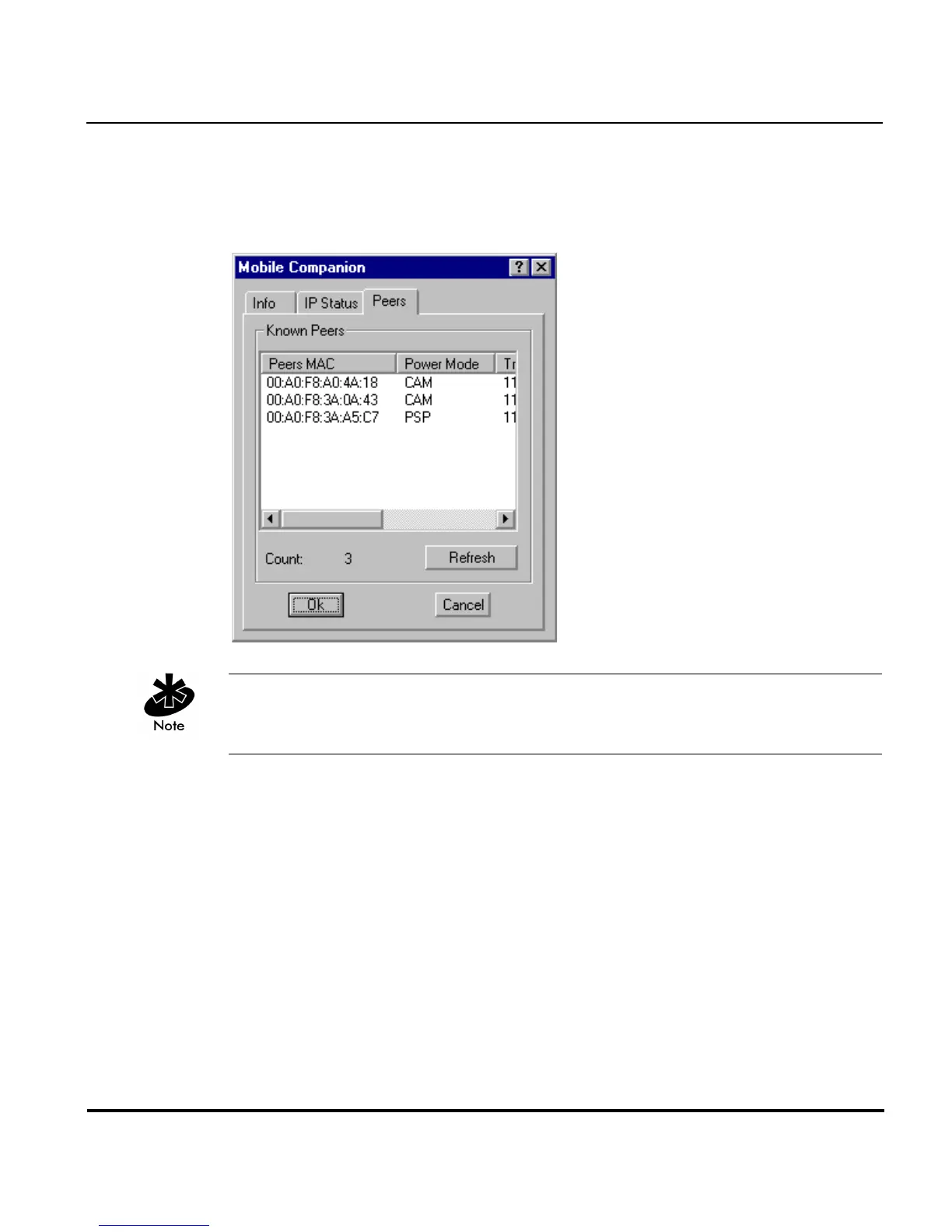
Select the Peers tab (when in the Ad Hoc operating mode) to display the
Peers property page.
The Peers property page only displays if Ad Hoc has been selected as the
operating mode from the Mode property page.
Use the Peers property page to view other networked peers (mobile devices)
with the same ESSID as the adapter profile. View the MAC address, power
mode, transmit rate, supported rates and the age out time.
These adapters (peers) are all available when forming a peer-to-peer
network in Ad Hoc mode. Select Refresh to update the list of known peers
with the same ESSID and to update the Peers property page with the latest
Ad Hoc network performance and membership data.



 To Next Page