Using the Mobile Companion Utility in Windows CE
E - 6 Spectrum24 Wireless LAN Adapter Users Guide
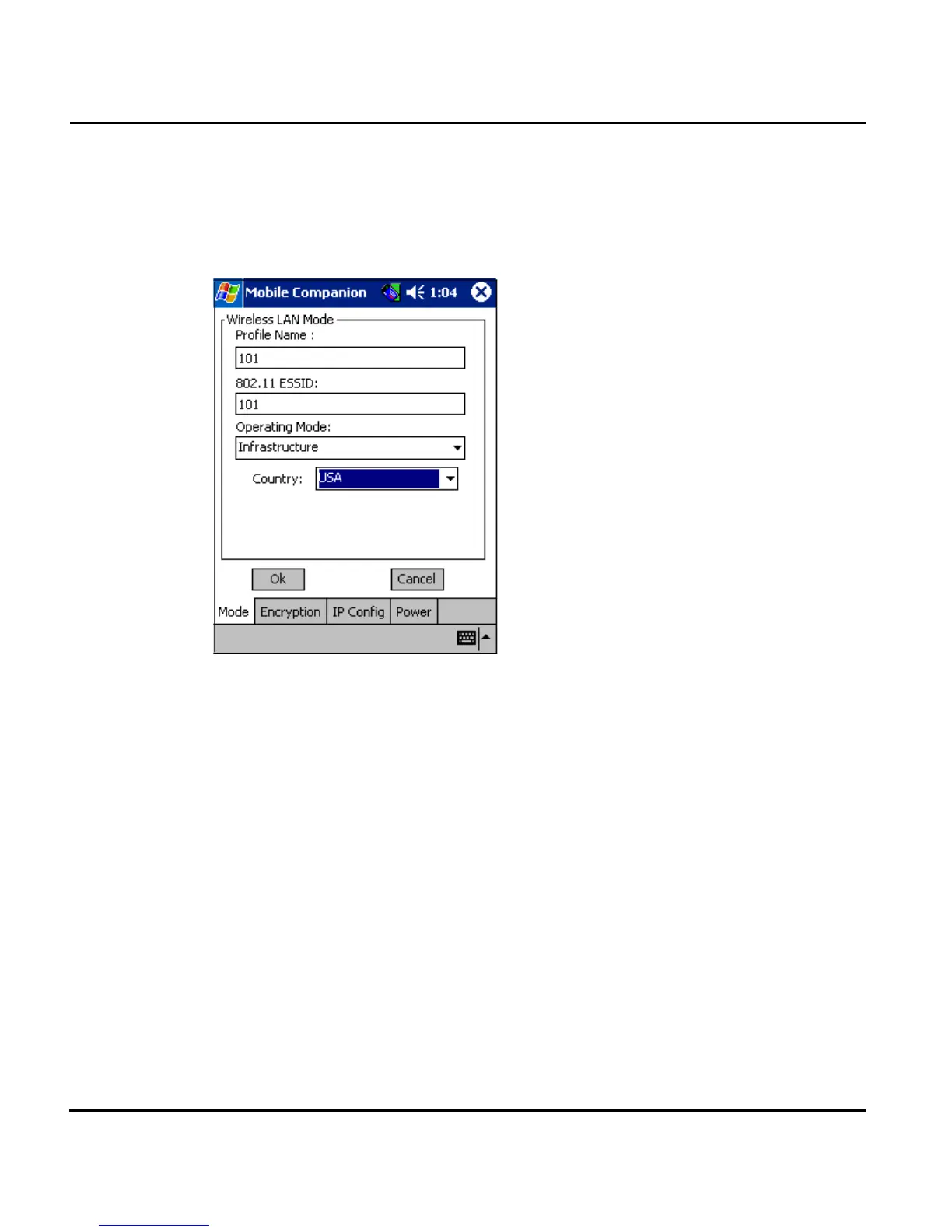
E.4.2 Mode Property Page
Select the Mode property page to assign the adapter a profile name of
device network information, set the adapter profile operating mode and
assign an ESSID.
Use the Profile Name field to enter the name of the adapter profile. A
completed profile is a set of adapter configuration settings that can be used
in different locations to connect to a Spectrum24 network. Creating different
profiles is a good way of having pre-defined adapter operating parameters
available for different users in various network environments. A list of existing
profiles is available by selecting WLAN Profiles from the Mobile Companion
main menu.
Select a profile from within the WLAN Profiles page and tap Connect
Profile, or tap Create New Profile from within the WLAN Profiles page and
enter a new profile name in Mode property page Profile Name field. Use the
Encryption, IP Config and Power property pages to complete the security,
power consumption and network address parameters for the profile.



 To Next Page