Using the Mobile Companion Utility
A - 10 Spectrum24 Wireless LAN Adapter Users Guide
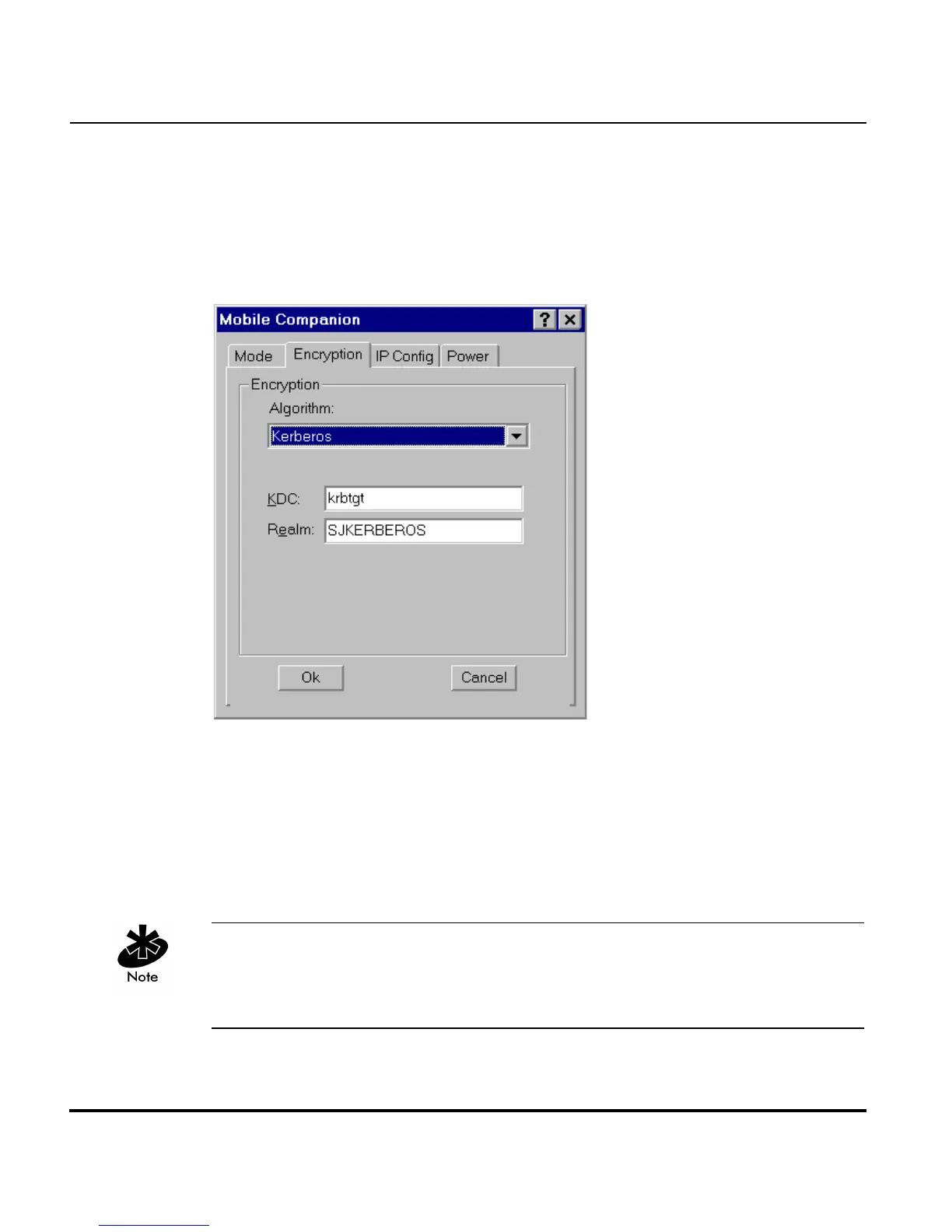
Configuring Kerberos for the Adapter
Kerberos is a different form of 128-bit data security whereby an adapter is
required to have its request for access point resources authenticated with a
Kerberos server before the server permits the access point to transmit and
receive data with the associated adapter.
Select Kerberos and enter the name of the server that hosts the Kerberos
KDC in the Realm field. The KDC is located on a server and maintains
information about the access points and users it supports. The KDC also
permits the transmission and receipt of data once the credentials of the user
are verified. The KDC field should remain blank unless the default KDC
name (krbtgt) is different on the server. Click OK to save the changes.
Changing the KDC in Mobile Companion displays an error message stating
the adapter has failed to authenticate. Only System and Network
Administrators should alter the KDC values of the access point and adapter.



 To Next Page