Hardware Installation
10 Spectrum24 Wireless LAN Adapter Users Guide
Avoid exposing the Spectrum24 PC Card to liquids or abrasive materials.
Install the PC Card when prompted to do so following the driver installation
instructions specific to the operating system used. Refer to Chapters 4, 5, 6, 7
and 8 for driver installation procedures specific to the Windows 98SE, ME,
2000, XP and CE operating systems.
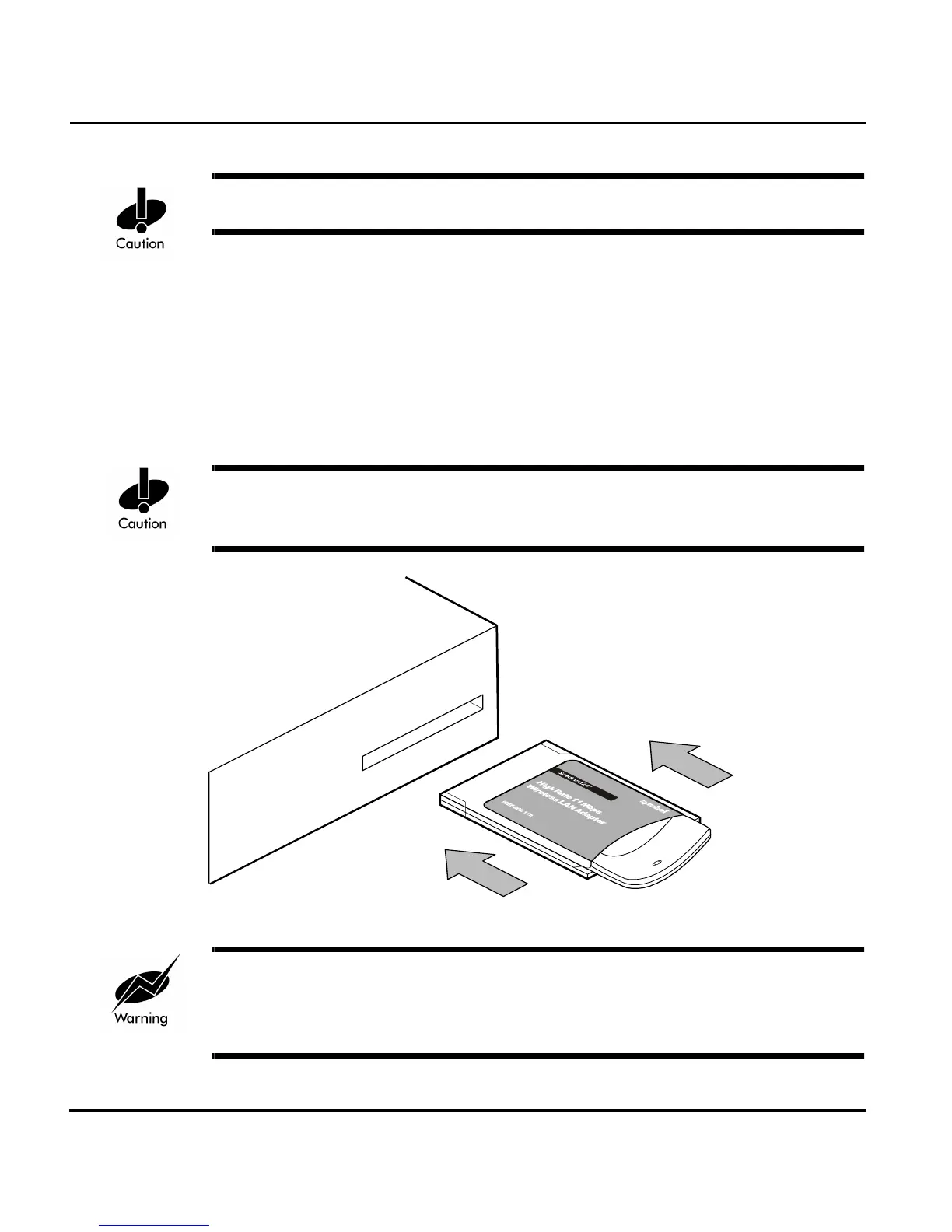
1. Insert the PC Card into the computer PC slot when prompted to do so.
2. Slide in the PC Card until it firmly seats.
Align the card properly when inserting. Insert the card firmly without forcing.
Forcing the card into the slot can damage the device or the card.
To comply with FCC and Industry Canada exposure requirements, this
hand-held device is approved for operation near a user’s hand when there is
20 cm or more between the antenna and the user’s body.



 To Next Page