13
Chapter 2: Set up Your Synology Router
7
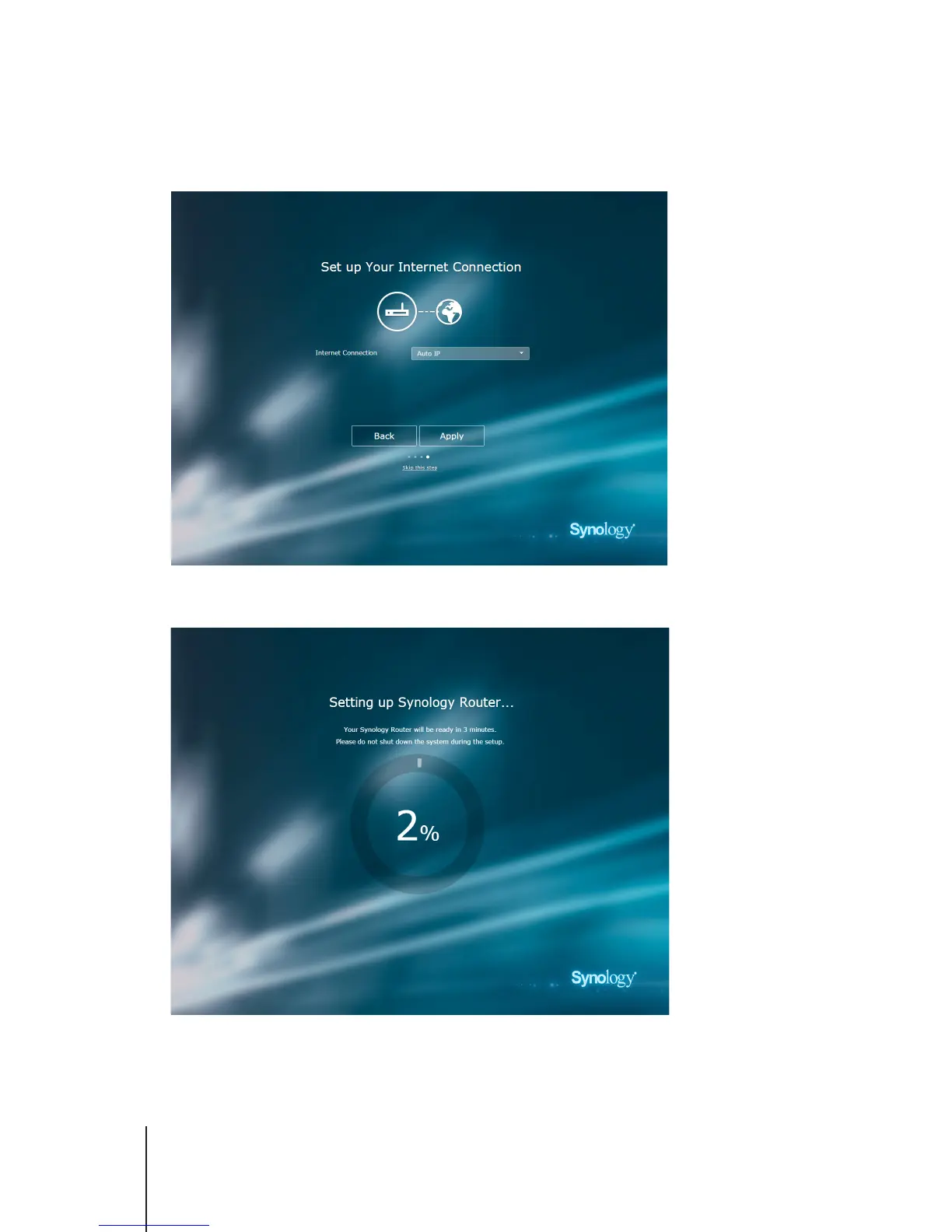
Choose an Internet connection type:
•
PPPoE
: Choose this option if you have obtained PPPoE credentials from the ISP.
•
Manual IP
: Choose this option if you have obtained an available IP address for use.
•
Auto IP
: Choose this option if you rely on an ISP modem for automatic IP assignment.
8
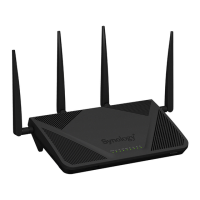
The wizard will continue to set up your Synology Router, and it may take up to three minutes to complete the
setup.



 To Next Page