14
Chapter 2: Set up Your Synology Router
9
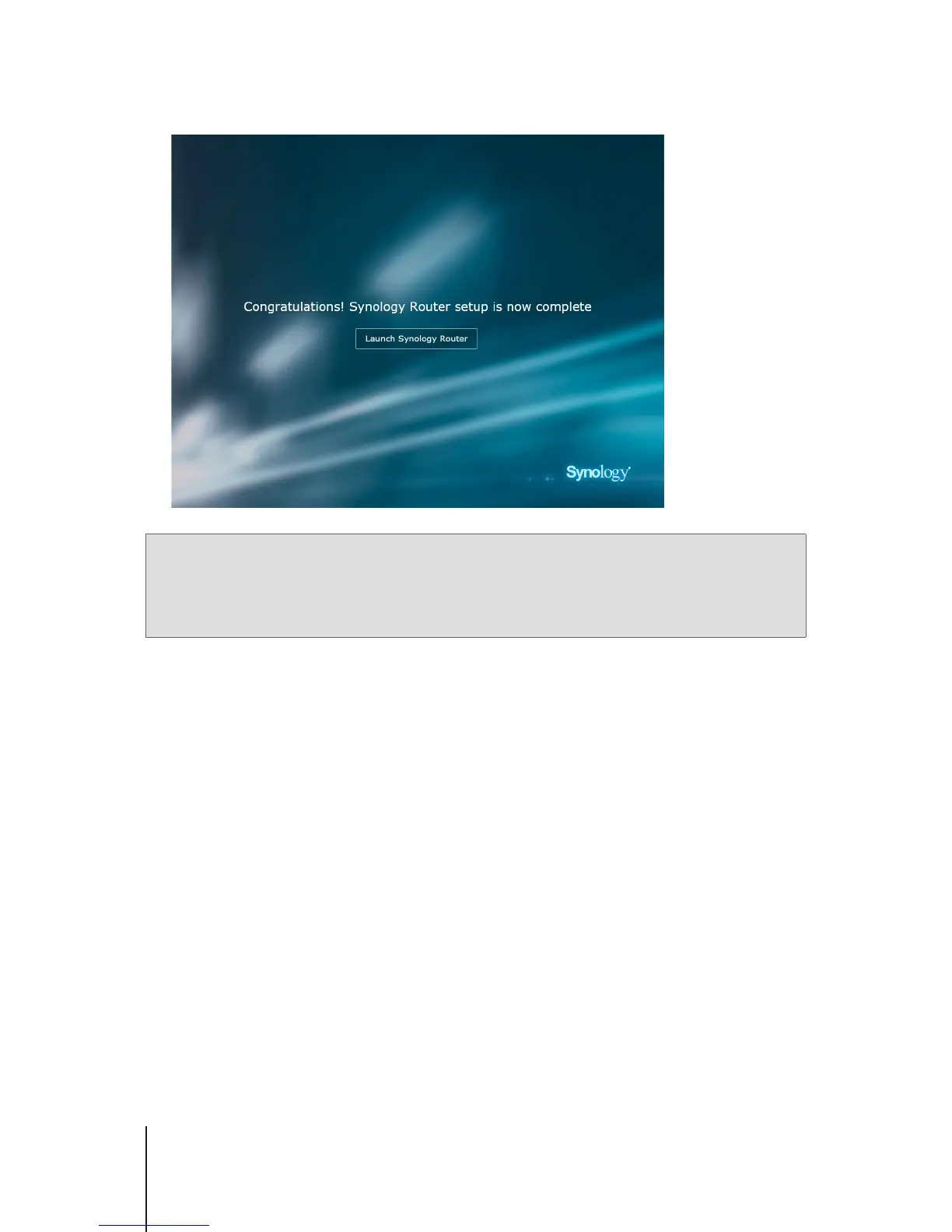
After the setup is complete, click
Launch Synology Router
to enjoy SRM and its various features.
Note:
1. Above is a general demonstration of the SRM setup steps. The steps and available options may somewhat vary
depending on your device type (e.g. PC or wireless device), access type (LAN, WAN, or Wireless LAN), and
chosen operation mode (Wireless Router or Wireless AP).
2. If the setup is completed with a wireless device, remember to download DS router for anywhere management of
your Synology Router. To know more about this mobile application, see "DS router".



 To Next Page