4 Instrument starting procedure
LOG-IN and Start up
The power supply switch is found at the back of the CyFlow
™
Ploidy Analyser next to the
main supply cable. The CyFlow
™
Ploidy Analyser is, in default, set in a stand-by mode.
The full activation of the CyFlow
™
Ploidy Analyser requires pressing the button on the top
of the machine. The display screen must be lift-up first to access it.
This will start the embedded computer, automatically start the CyView
™
software and load
the last employed configuration.
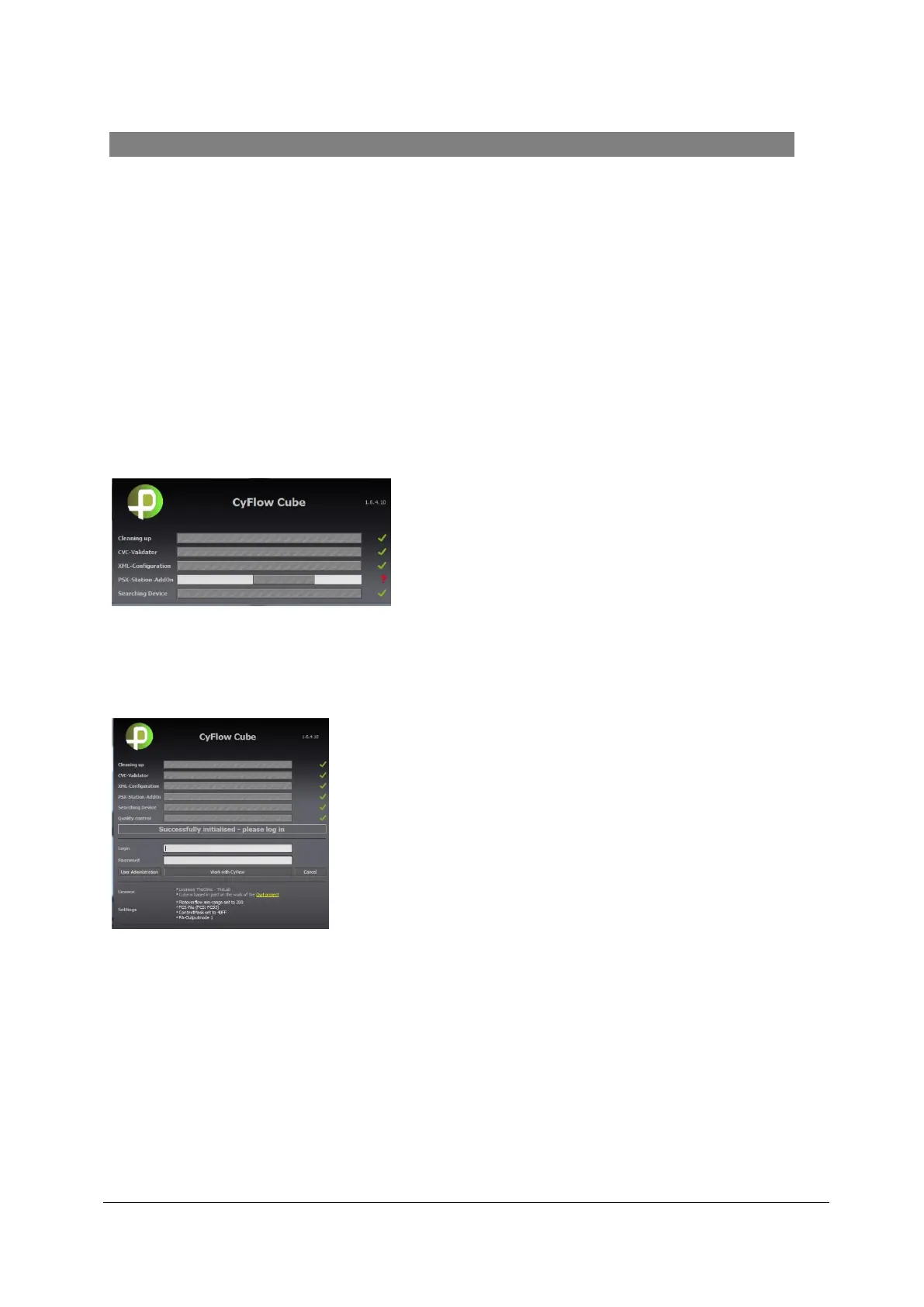
The following initialization dialogue between the software and the hardware (CyFlow
™
Ploidy Analyser with CyFlow
™
Robby 6 Autoloading Station) will appear. The five check-
boxes for Cleaning up, CVC-Validator, XML-configuration, PSX-Station-Add-on and
Searching Device should show a green tick.
The CyFlow™ Robby 6 Autoloading Station initializes automatically (Initialization will be
audible).
Figure 1: CyFlow
™
Robby 6 Autoloading Station Initialization
The User Login window will open up allowing you to login with the regular user password:



 To Next Page