5.3 Shut down process
For the cleaning of the sample port a separate cleaning mode is available. The detail
procedure would be the following.
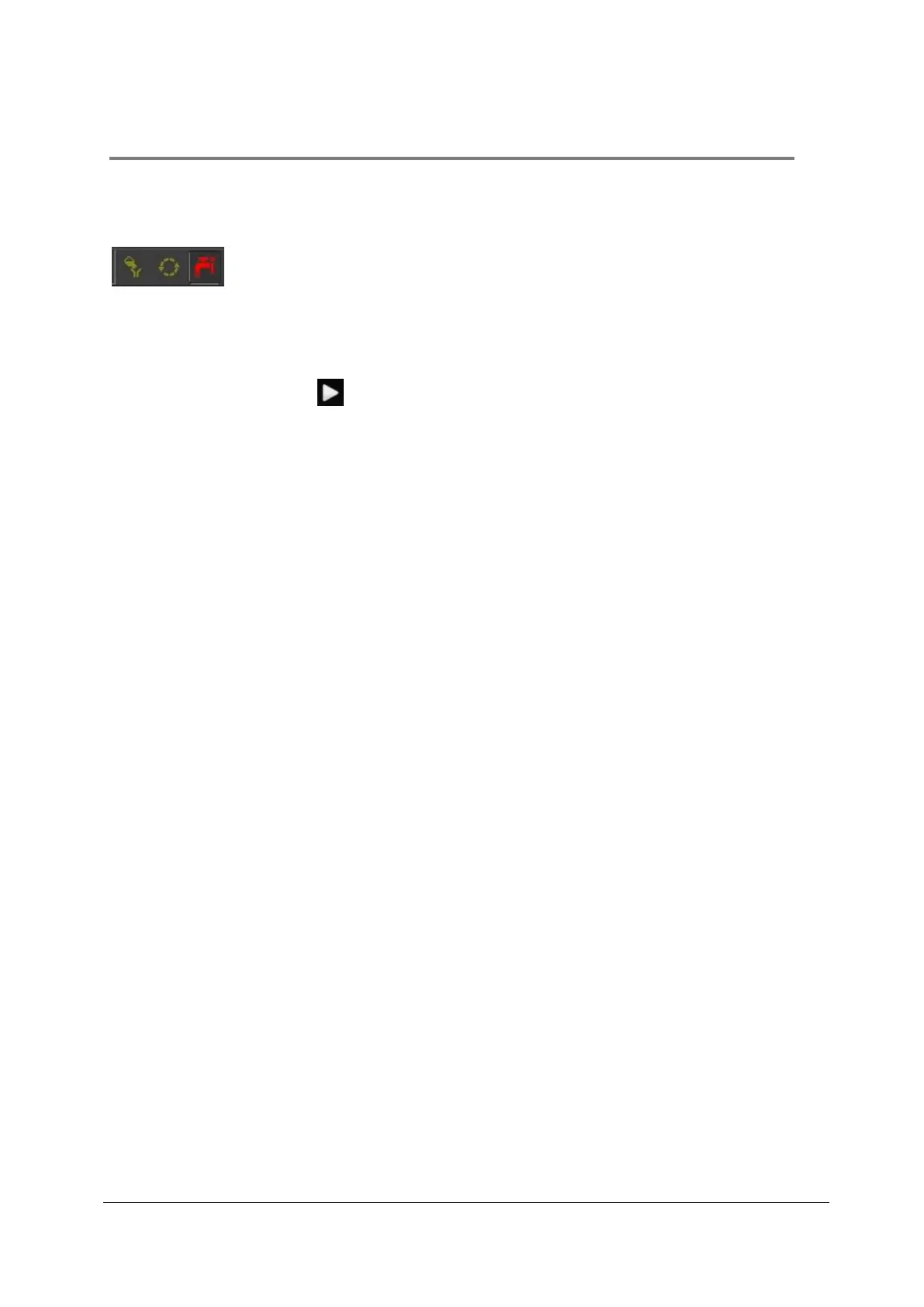
Figure 6: "CLEAN" is red highlighted
1. Select the “CLEAN” button by clicking on the “CLEAN” button.
2. After pressing Start the system will start the priming process automatically and
guide through the program.
3. Connect a Sample Tube with Cleaning Solution (green solution, Order No. 04-
4009_R) and press “Continue”.
4. Connect a Sample Tube with Decontamination Solution (violet solution, Order No.
04-4010_R) and press “Continue”.
5. Connect a Sample Tube with Sheath Fluid (Order No. 04-4007_R) and press
“Continue”.
6. After finishing the cleaning process CyView™ will be shut down automatically.
7. Laser sources will also be switched off.
8. Switch off the PC
9. Close Windows (Start – Exit – Switch Computer Off)
10. To power off completely, use the main power switch at the back panel



 To Next Page