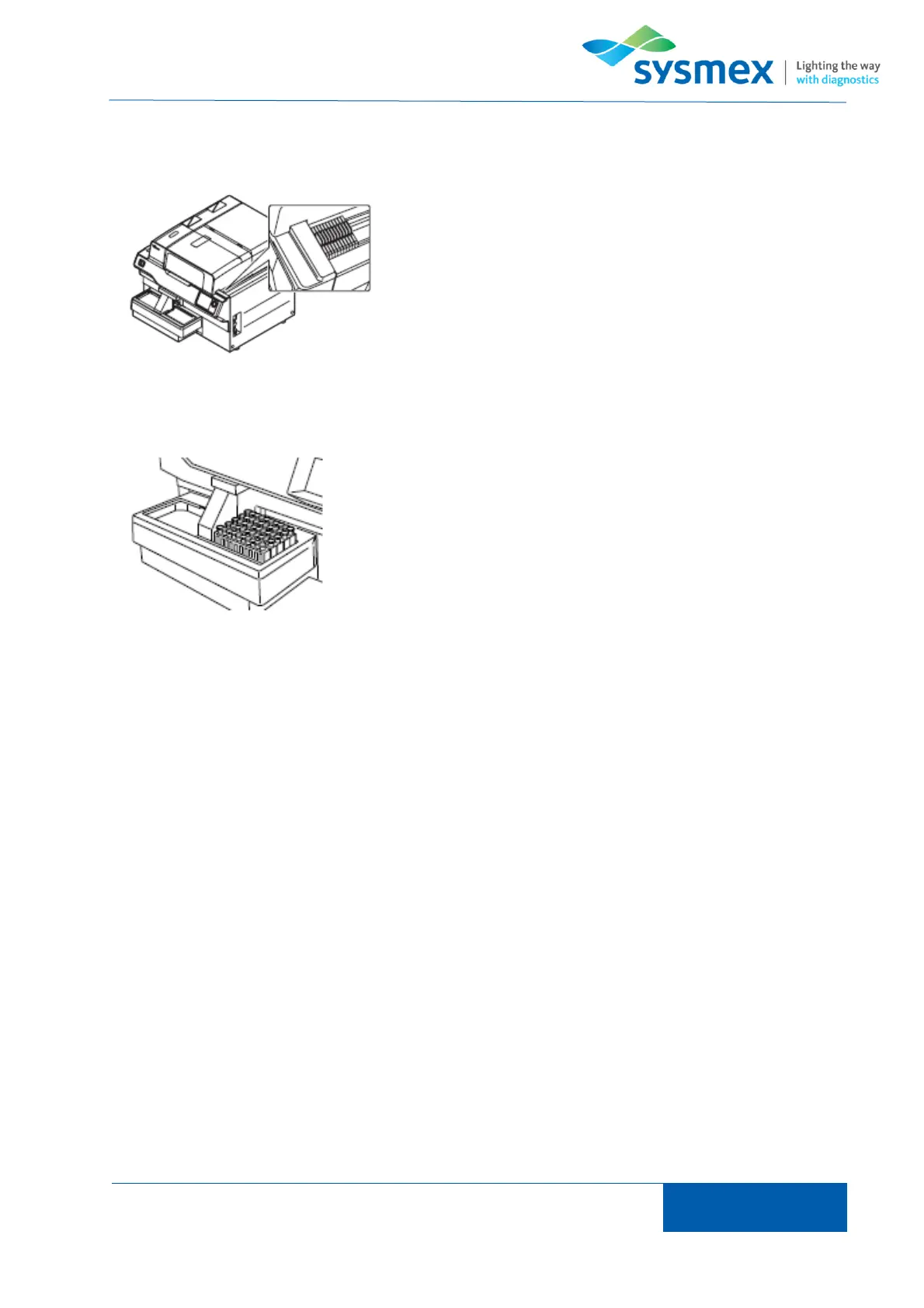
To perform stain only place manually prepared place the
manually prepared slides in the single cassettes on the
cassette supply table.
Place a maximum of 5 racks on the right hand side of the sampler
unit and from the main menu select [Sampler]. Press [Start]. NOTE:
If system is not connected to a host then samples will need to be
registered on analyzer prior to analysis



 To Next Page