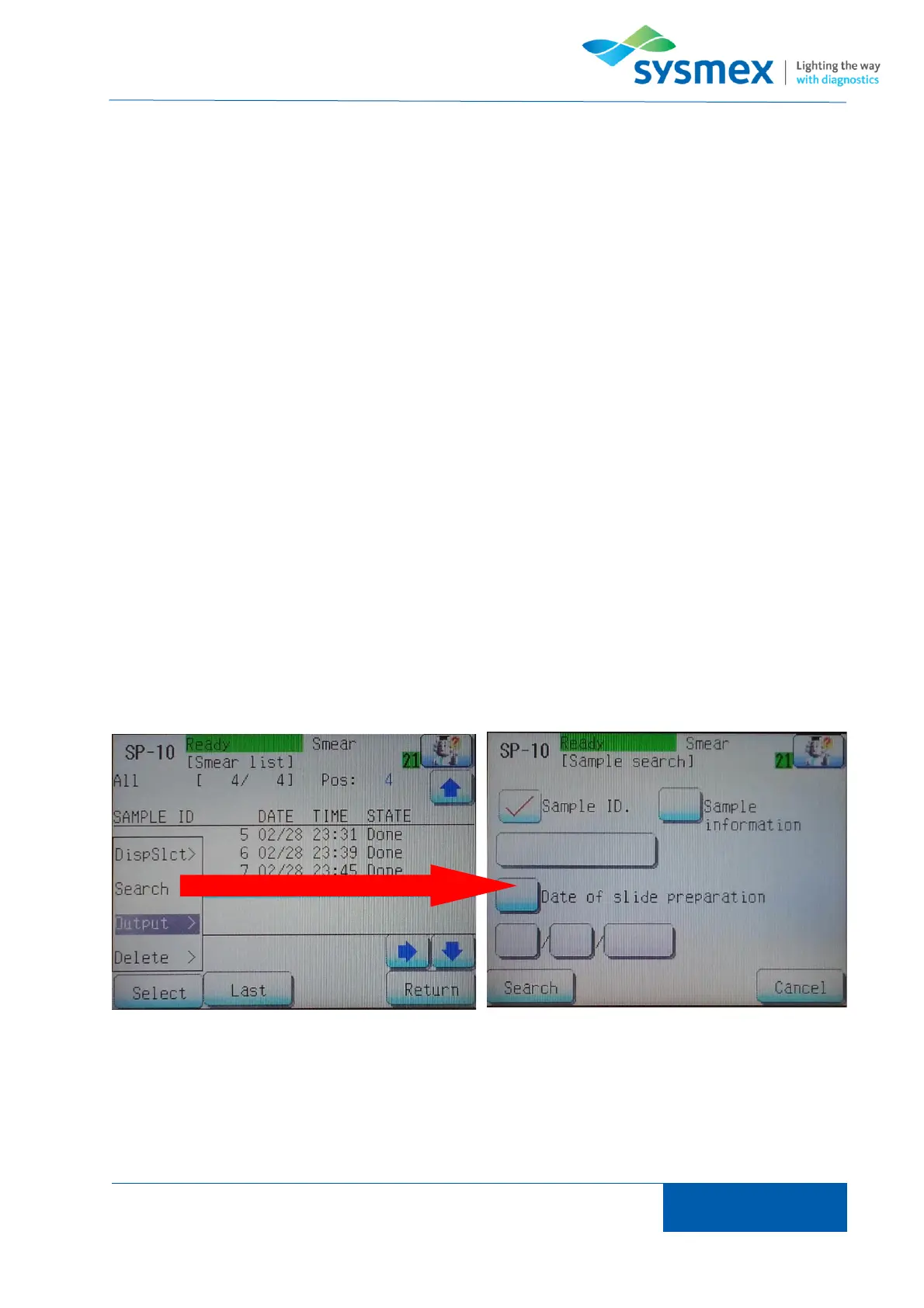
To search for a sample in the smear list ensure that the filter appropriate for the search to be
performed and press [Last] to ensure that last smear in the list is select. NOTE: the SP-series will
search from the current smear highlighted therefore last needs to be selected to ensure the entire
list is searched. Press [Select] and enter appropriate search criteria. The search can be performed
using sample ID, sample info or date of slide preparation. Press [Search] to locate sample within
smear list.



 To Next Page