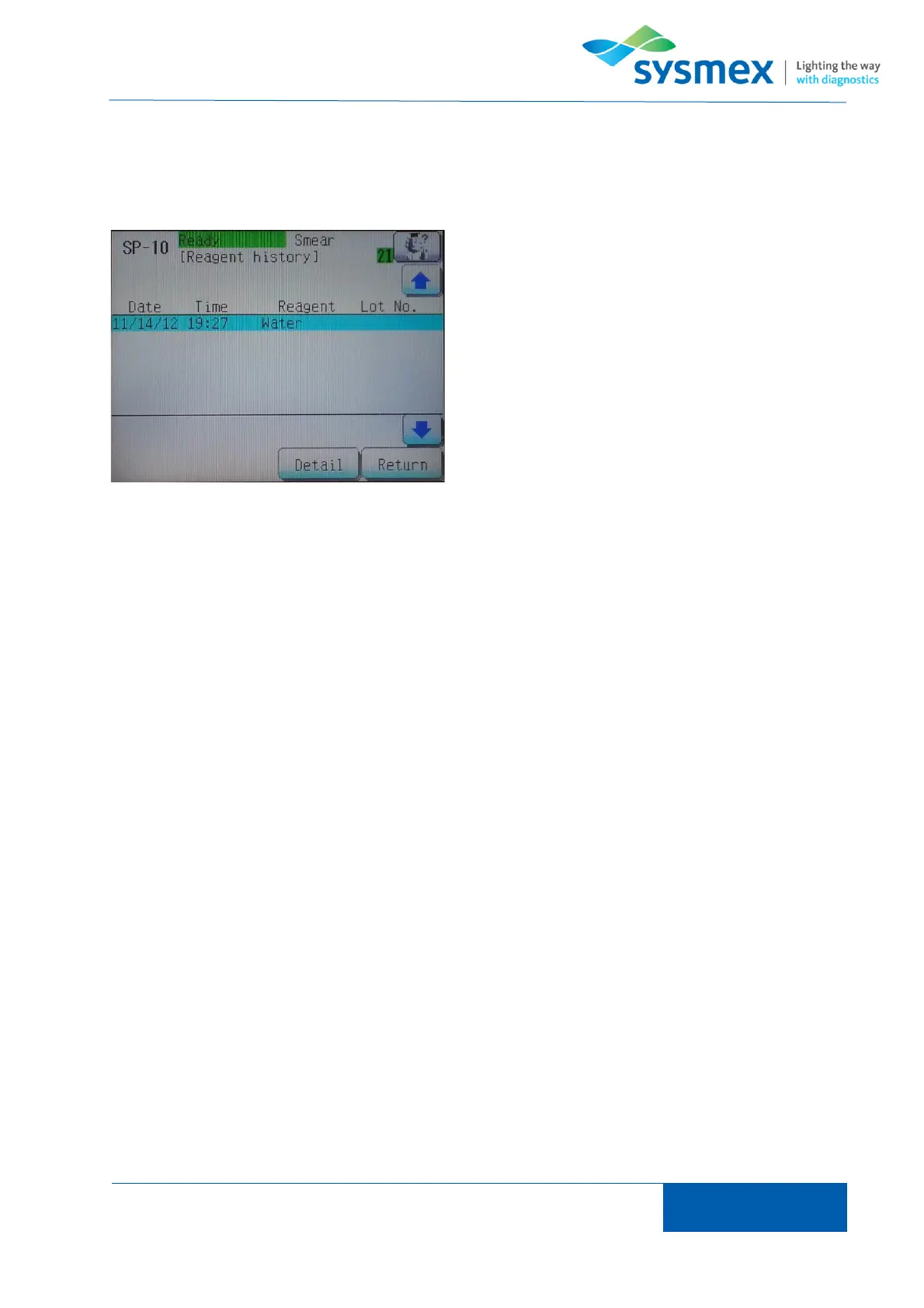
The ‘Reagent history’ screen displays the last 100 reagent replacements preformed. Reagent
replacement history can be seen by selecting [Maint.], the [History] and then [Reagent history].
The ‘Reagent history’ screen displays the name of
the reagent replaced along with the date and time it
was replaced. Additional information such as lot
number expiry date and replacement date/time can
be seen by selecting the [Detail] button on the
reagent history required.



 To Next Page