Installing I/NET The Setup Program
I/NET 2000 Getting Started 2-7
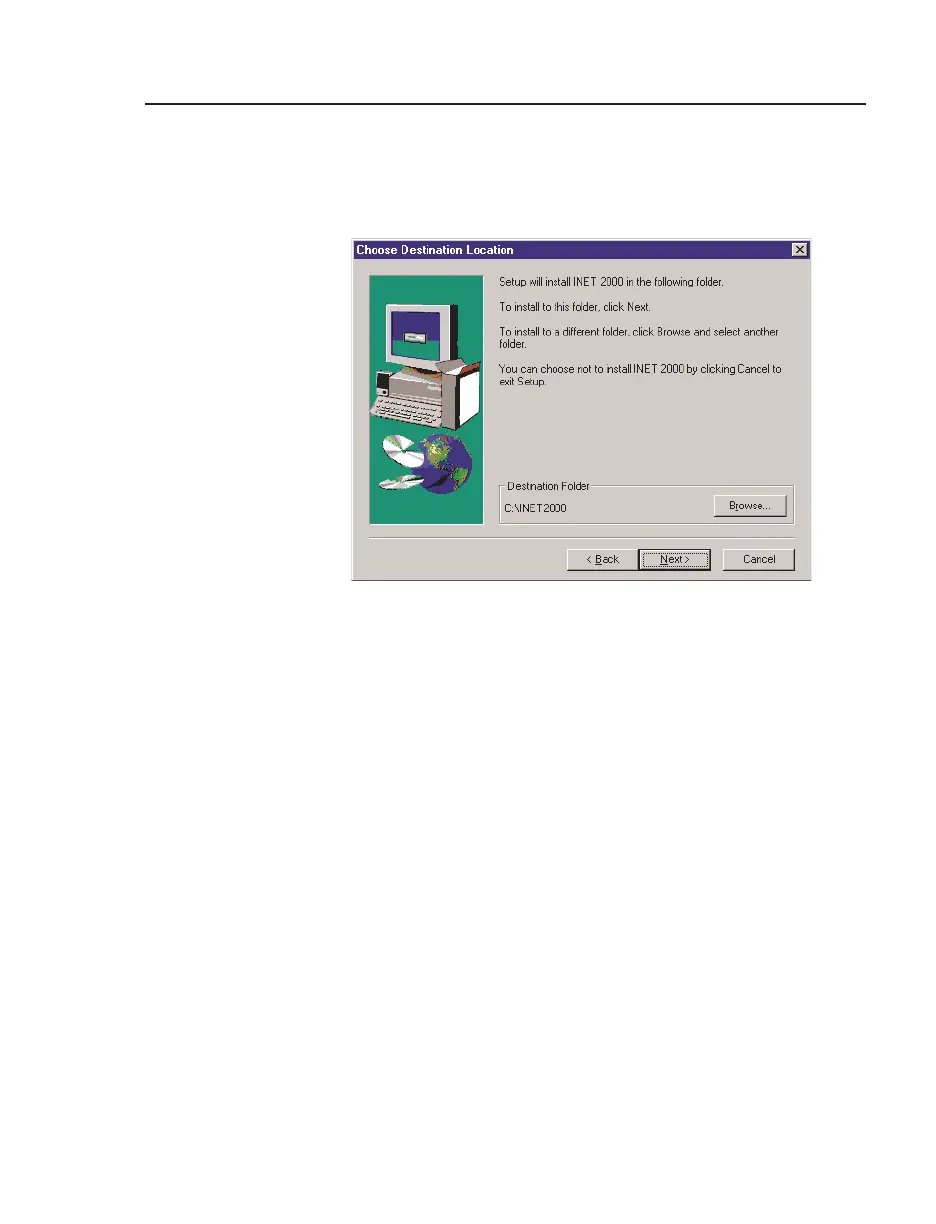
10. The Choose Destination Location screen allows you to select
the name of the system folder where the I/NET application
files will reside.
a. The default installation folder is C:\INET2000. To
accept the default, click
Next and proceed to Step 11.
b. To change the destination folder, select
Browse. The
Choose Folder screen (Figure 2-7) allows you to scroll
to select another folder. Select the folder and click
OK to
return to the Destination Location dialog box and click
Next.
Figure 2-6. Choose Destination Location



 To Next Page