The Setup Program Installing I/NET
2-8 I/NET 2000 Getting Started
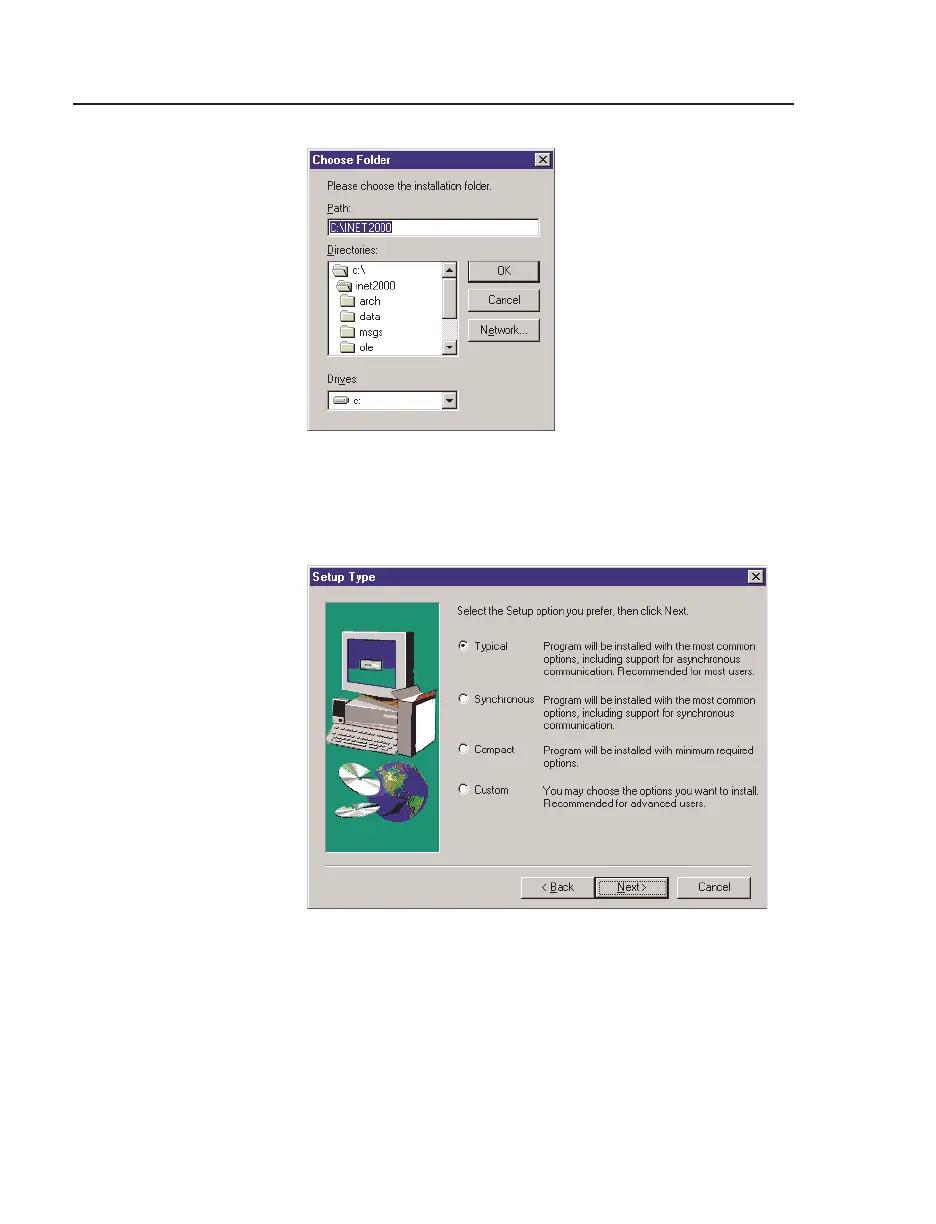
11. The Setup Type screen, shown in Figure 2-8, provides four
installation options.
✧
Typical - installs all I/NET application files and optional
components. The full installation requires approximately
35MB of hard disk space.
Figure 2-7. Choose Folders Dialog Box
Figure 2-8. Setup Type Dialog Box



 To Next Page