The Setup Program Installing I/NET
2-12 I/NET 2000 Getting Started
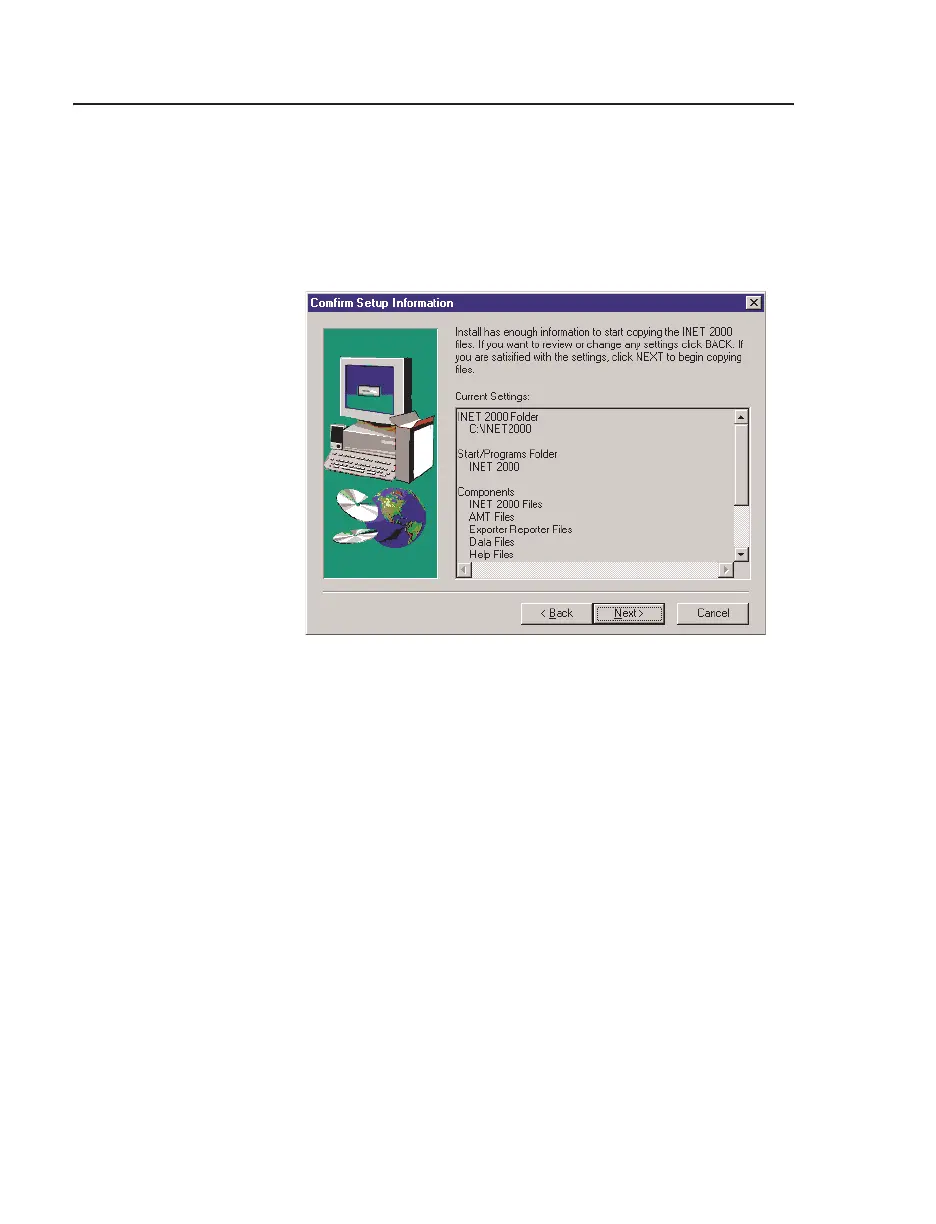
14. The Confirm Setup Information dialog box provides you
with a chance to review the components that Setup will be
installing. If you need to make changes, click
Back, until you
reach the correct dialog box. Otherwise, click
Next to begin
the installation process.
15. If this is an upgrade installation, you will receive one of two
screens concerning required file conversions.
Note: To avoid nonrecoverable data corruption, it is very important that
you complete the conversions before running I/NET 2000, Configure,
or IO Server. Refer to Chapter 3, I/NET Conversions, for details.
✧ The screen shown in Figure 2-11 is displayed when Setup
has determined that the files on your system are definitely
from a previous version of I/NET. When this screen
appears, three utility programs will launch automatically
Figure 2-10. Confirm Setup Information Dialog Box



 To Next Page