Installing I/NET The Setup Program
I/NET 2000 Getting Started 2-13
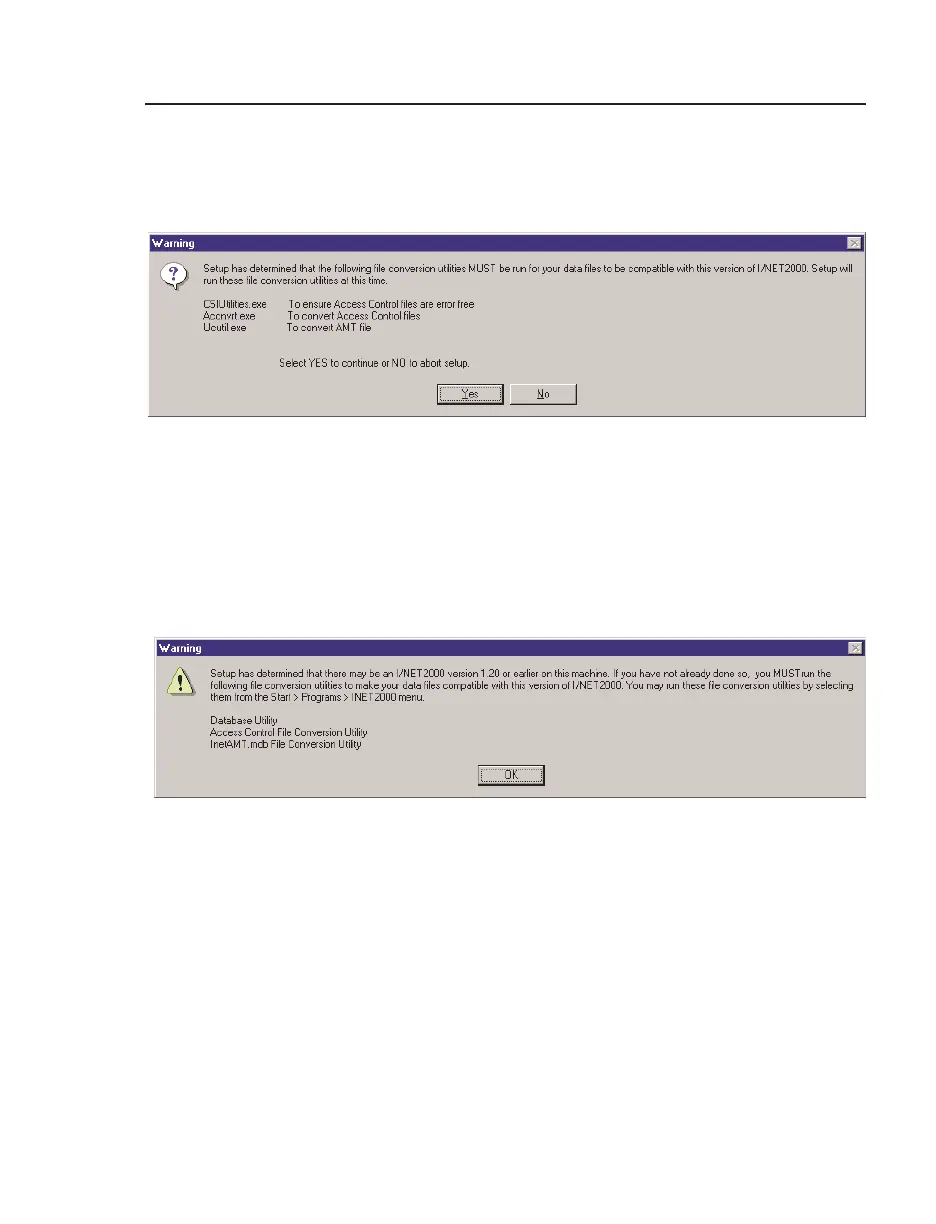
after you select the Yes button. Refer to the instructions
in Chapter 3, I/NET Conversions, to complete the file
conversion process.
✧ The screen shown in Figure 2-12 is displayed when Setup
has identified existing files that may be in a previous
format. The conversion programs will not launch auto-
matically. However, it is highly recommended that you
run all of the conversion programs described in
Chapter 3, I/NET Conversions.
16. Setup runs a status indicator so that you can keep track of
the installation process.
17. If this is a new installation, the Configure program will
launch automatically. Refer to Chapter 3, “I/NET Configu-
ration”, for information on the Configure program. After
you complete the configuration process, select
Close to
return to Setup.
Figure 2-11. File Conversion Required
Figure 2-12. File Conversion Recommended



 To Next Page