Editing Configuration Profiles I/NET Configuration
4-6 I/NET 2000 Getting Started
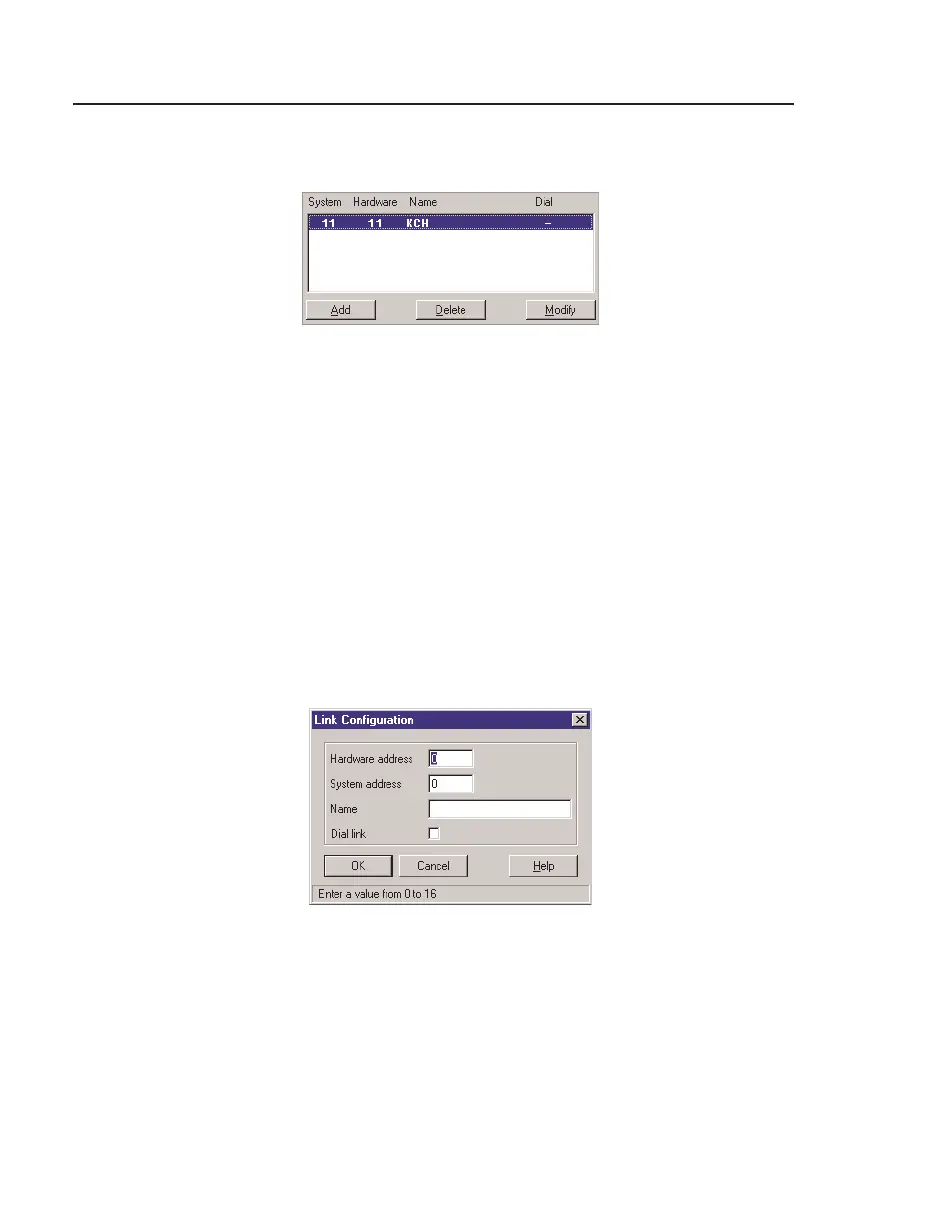
4. The Link summary, shown in Figure 4-4, defines each hard-
ware link available through the serial port. You may have up
to 16 links (0–15). Click
Add to access the Link Configura-
tion editor displayed in Figure 4-5.
Enter a
Hardware address using the following guidelines:
a. If the connected device is a 7801x Host Tap connecting
to a host LAN, you must define each link that is avail-
able on the host LAN (i.e., 7802x or 7805x Tap). The
hardware address must be the address (0–15), set by
DIP switches, on the associated 7802x or 7805x Tap.
b. Otherwise, enter a
Hardware address of 0.
Figure 4-4. Hardware Link/System Link Summary
Figure 4-5. Link Configuration Editor



 To Next Page