Configuring ODBC32 Administrator ODBC32 Administrator Setup
A-4 I/NET 2000 Getting Started
✧ Tab to the Description field and type in a short descrip-
tion.
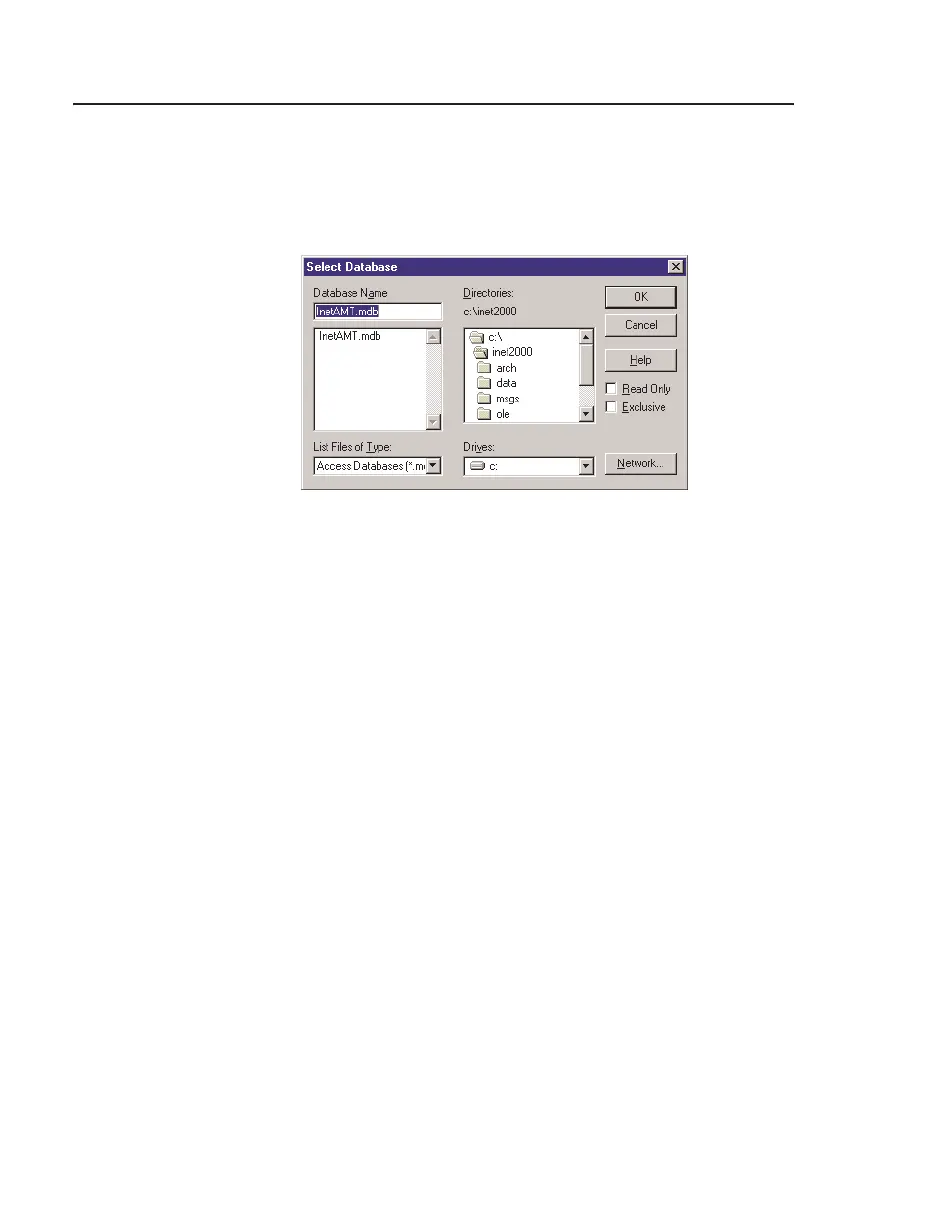
✧ Click on Database:
Select to access the Select Database
browser.
✧ Scroll to locate the InetAMT.mdb file. It is usually
located in the INET2000 directory. Select
InetAMT.mdb and click
OK. Proceed to Step 3.
✦ For Exporter/Reporter
✧ In the
Data Source Name field, type Reportdb.
✧ Tab to the
Description field and type in a short descrip-
tion.
✧ Click on Database:
Select to access the Select Database
browser.
✧ Scroll to locate the Reportdb.mdb file. Select it and
click
OK.
3. The ODBC Data Source Administrator should list the
InetAMT, or Reportdb, data source in the User Data Sources
list box, as shown in Figure A-6.
4. Click
OK to close the window and return to the Control
Panel.
Figure A-4. Select InetAMT.mdb



 To Next Page