Monitor Function
T
he Monitor function is used to listen to weak signals without changing the squelc
setting.
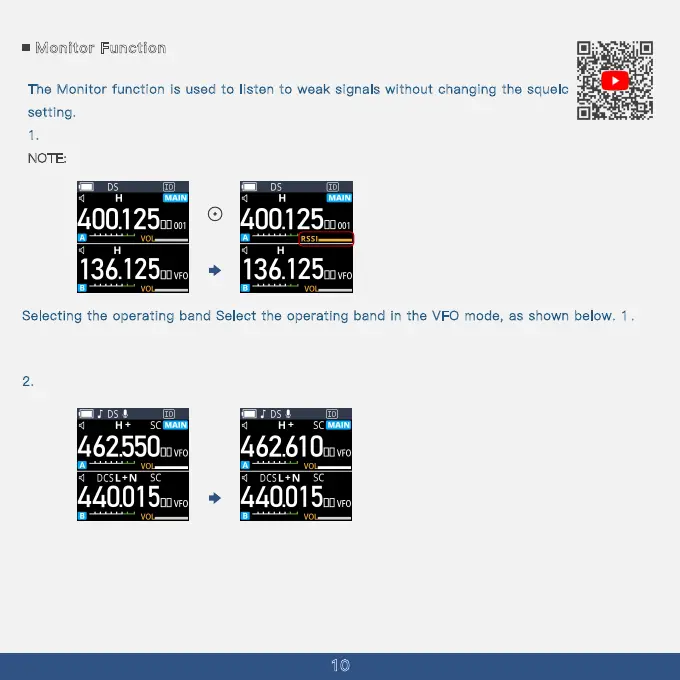
1. Press and hold [Side Key 3] to enter Monitor mode (instant squelch open).
N
OTE:
10
While monitoring, the transmission light on top of the intercom glows green.
Selecting the operating band Select the operating band in the VFO mode, as shown below. 1 .
Repeatedly push [Menu] to select the VFO mode.
· The selected frequency is displayed.
2
. Repeatedly push to select the operating band, as shown below.
Long Press



 To Next Page