Exit Set Mode
13
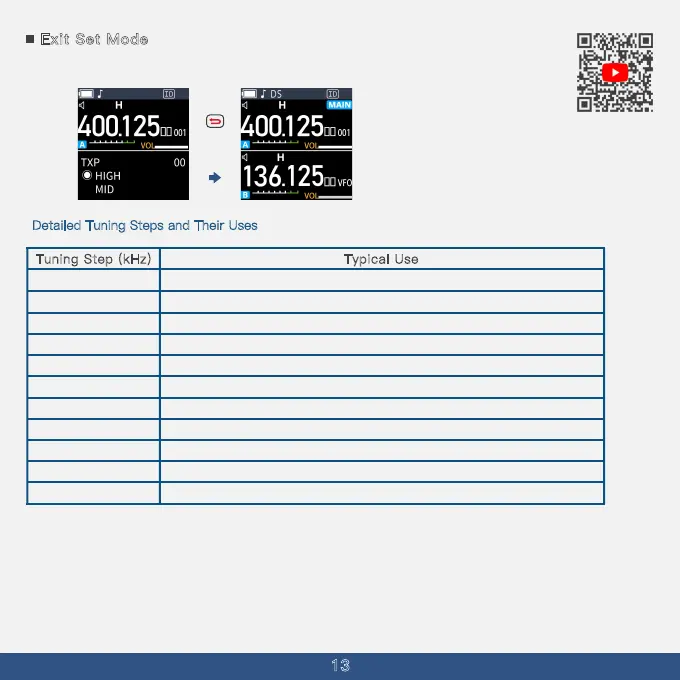
Push [Back] to exit the Set mode.
D
etailed Tuning Steps and Their Uses
Tuning Step (kHz)
5
1
2.5
Typical Use
Fine tuning for precision frequency control
Standard amateur radio frequency steps
1
5
10
20
25
30
50
100
125
200
Common for land mobile radio systems
Slightly broader tuning for quick adjustments
Useful for commercial broadcasting tuning
Standard public service band tuning
Broad tuning for scanning wide frequency ranges
Rapid scanning across bands
High-speed scanning for quick searches
Ultra-wide adjustments for specialized applications
Maximum range scanning for extensive searches
This comprehensive overview includes all the necessary steps to access and configure the tuning
steps on the A36Plus, along with a detailed table that outlines their specific applications. By
following these instructions, users can select the optimal tuning step to enhance their device's
performance for both transmission and scanning activities.
Short press



 To Next Page