Tally Dascom 1145/1125+
12
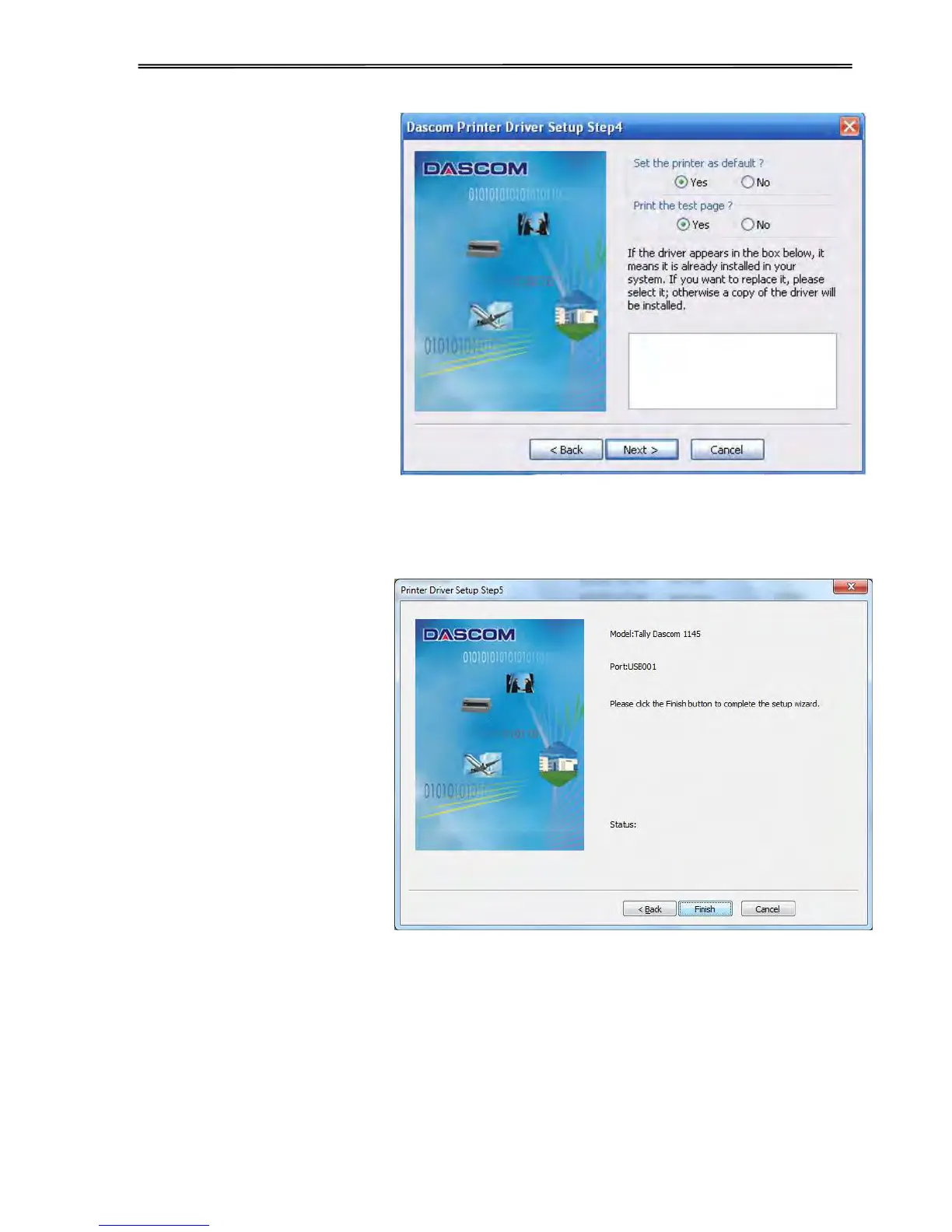
4. Here you can choose
whether to set the driver as
the system default driver, and
whether you want to print the
Test Page after installation is
completed. Click “Next” to
continue.
5. As shown in the picture on
right side, click “Finish”.



 To Next Page