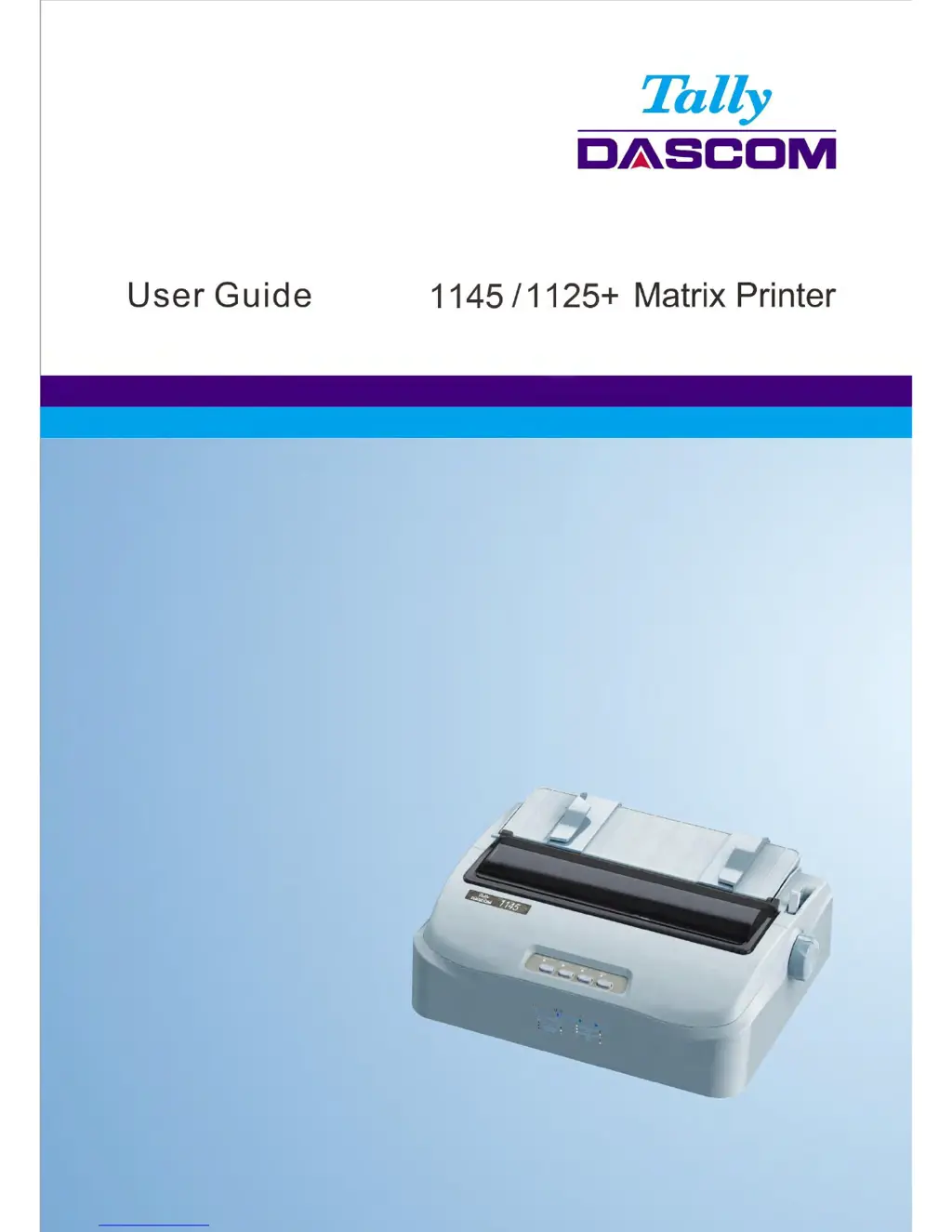
How to adjust the top margin on Tally Dascom 1125+?
- AAshley ParkerSep 8, 2025
If the top margin is wrong on your Tally Dascom printer, check the application's top margin setting. If necessary, adjust the Top Margin setting in the Page Setup menu.
How to adjust the top margin on Tally Dascom 1125+?
If the top margin is wrong on your Tally Dascom printer, check the application's top margin setting. If necessary, adjust the Top Margin setting in the Page Setup menu.
How to stop Tally Dascom Printer from overprinting on the same line?
If your Tally Dascom printer is overprinting on the same line, change the Auto CR setting in the System Setup menu to No.
How to fix double spaced lines on Tally Dascom 1125+?
If lines are double spaced instead of single spaced on your Tally Dascom printer, change the Auto LF setting in the System Setup menu to No.
How to make Tally Dascom 1125+ Printer start at the left margin?
If the next print line starts where the previous line ended instead of at the left margin on your Tally Dascom printer, change the Auto CR setting in the System Setup menu to Yes.
Why does paper slip off the tractors on Tally Dascom 1125+ Printer?
If paper slips off the forms tractors or the perforated holes of the paper tear during printing with your Tally Dascom printer, ensure the forms tractors are positioned correctly for the width of your paper and that the perforated holes of the paper fit directly over the tractor pins.
What does paper select lever error mean on Tally Dascom Printer?
If paper is loaded and the paper select lever is moved to the incorrect position on your Tally Dascom printer, the printer turns offline, and the buzzer sounds continuously. Switch the paper select lever back to its correct position.
Step-by-step guide for installing the ribbon cartridge.
Instructions for attaching the single sheet feeder.
How to connect the printer to a computer via interface cable.
Steps for connecting the printer to a power source.
Procedures for installing the printer driver on Windows.
Configuration options for system settings like language and emulation.
Settings related to paper length, margins, and loading.
Configuration options for printer interfaces like PnP and USB ID.
Settings for character sets, fonts, and code pages.
Procedures to restore printer settings to factory defaults.
Solutions for common print quality issues like light/dark printing or smudges.
Troubleshooting steps for paper loading and jamming issues.
Solutions for common operational problems like power or printing issues.
Guidance on handling unresolvable printer hardware failures.
Table detailing error conditions based on LED status.
Instructions for updating the printer's firmware.
| Brand | Tally Dascom |
|---|---|
| Model | 1125+ |
| Category | Printer |
| Language | English |