THE DOS
COMMANDS
COMMAND:
DELETE
(continued)
PROCEDURE: (continued)
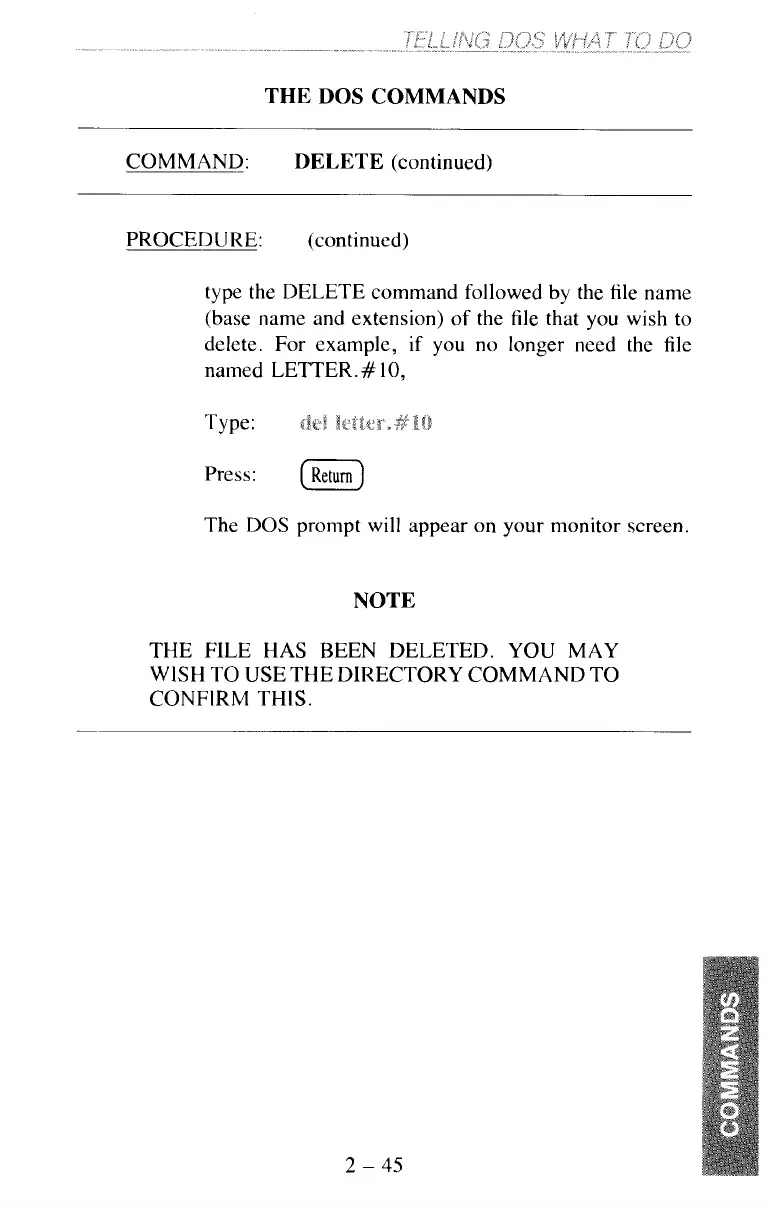
type the DELETE command followed by the file name
(base name and extension) of the file that you wish to
delete. For example,
if
you no longer need the file
named LETTER.
#
10,
Type:
I
CF,
Press:
(Return)
The
DOS
prompt will appear on your monitor screen.
NOTE
THE FILE HAS BEEN DELETED. YOU MAY
WISH TO USE THE DIRECTORY COMMAND TO
CONFIRM THIS.
2
-
45



 To Next Page