Type:
Press:
@
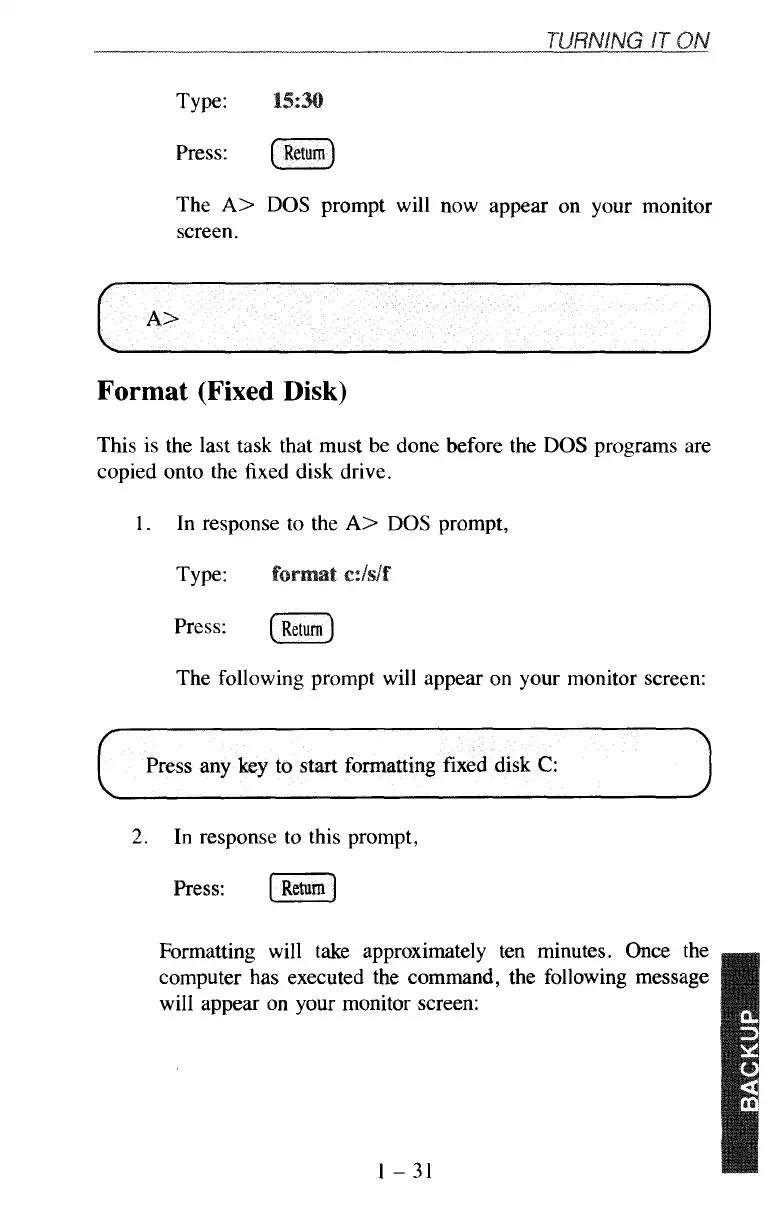
The
A>
DOS
prompt will now appear on your monitor
screen.
Format
(Fixed
Disk)
This is the last task that must be done before the
DOS
programs are
copied onto the fixed disk drive.
1.
In response to the
A>
DOS
prompt,
Type:
press:
(Return)
The following prompt will appear on your monitor screen:
~~
2.
In response to this prompt,
Press:
Return]
Formatting will take approximately ten minutes. Once the
computer has executed the command, the following message
will appear on your monitor screen:
1-31



 To Next Page