T
THE DOS COMMANDS
COMMAND:
COPY
(continued)
PROCEDURE: (continued)
Type:
Press:
(Return)
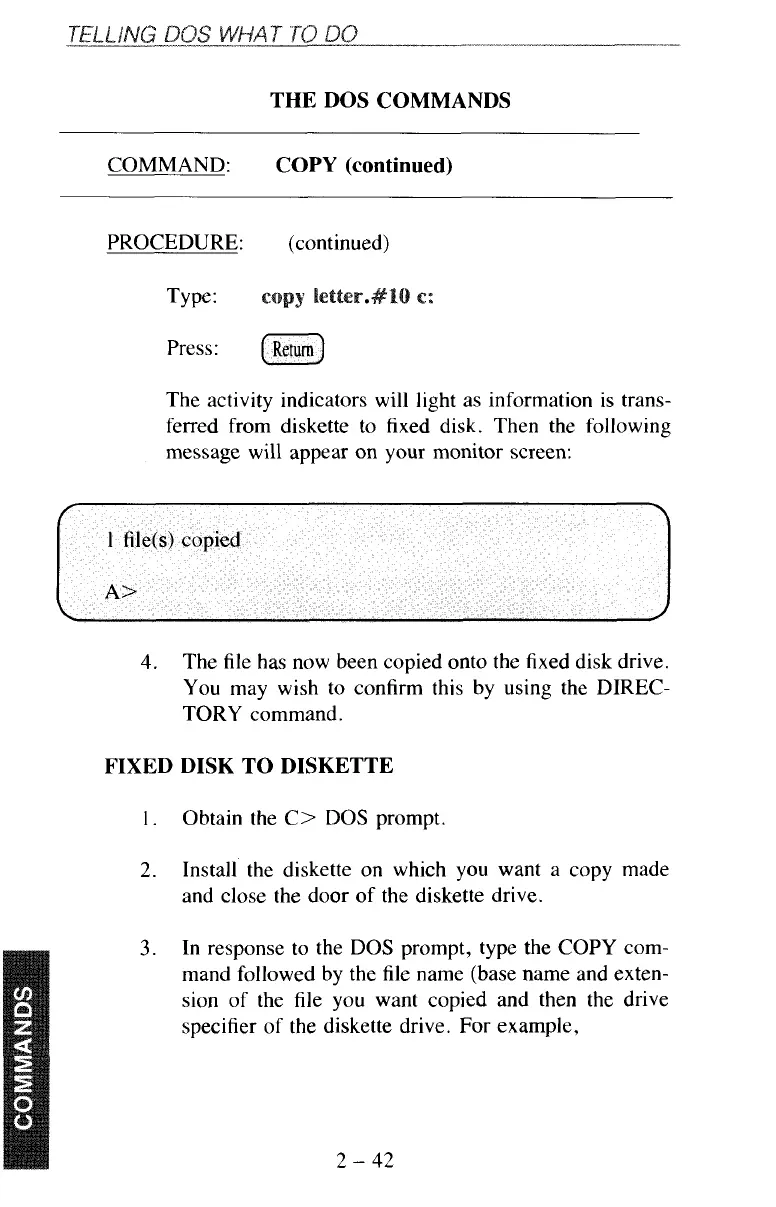
The activity indicators will light as information is trans-
ferred from diskette to fixed disk. Then the following
message will appear on your monitor screen:
4.
The file has now been copied onto the fixed disk drive.
You may wish to confirm this by using the DIREC-
TORY command.
FIXED DISK TO DISKETTE
1.
Obtain the C> DOS prompt.
2.
Install the diskette
on
which you want a copy made
and close the door of the diskette drive.
3.
In response to the DOS prompt, type the COPY com-
mand followed by the
file
name (base name and exten-
sion of the file you want copied and then the drive
specifier of the diskette drive. For example,
2
-
42



 To Next Page