2.4
SPECIAL
DOS
TASKS
You need to know a few special procedures that will make
it
easier
to use the
DOS
commands.
Task:
To
Stop
a
Command
Explanation
Of
Task: If you accidentally enter an incorrect
command, or
if,
for any reason, you do not wish to allow the
computer to run through an entire command procedure, you can
generally stop it immediately. Once the computer stops executing
a command, you will be returned to the
DOS
prompt
(A>
or
C>).
Procedure:
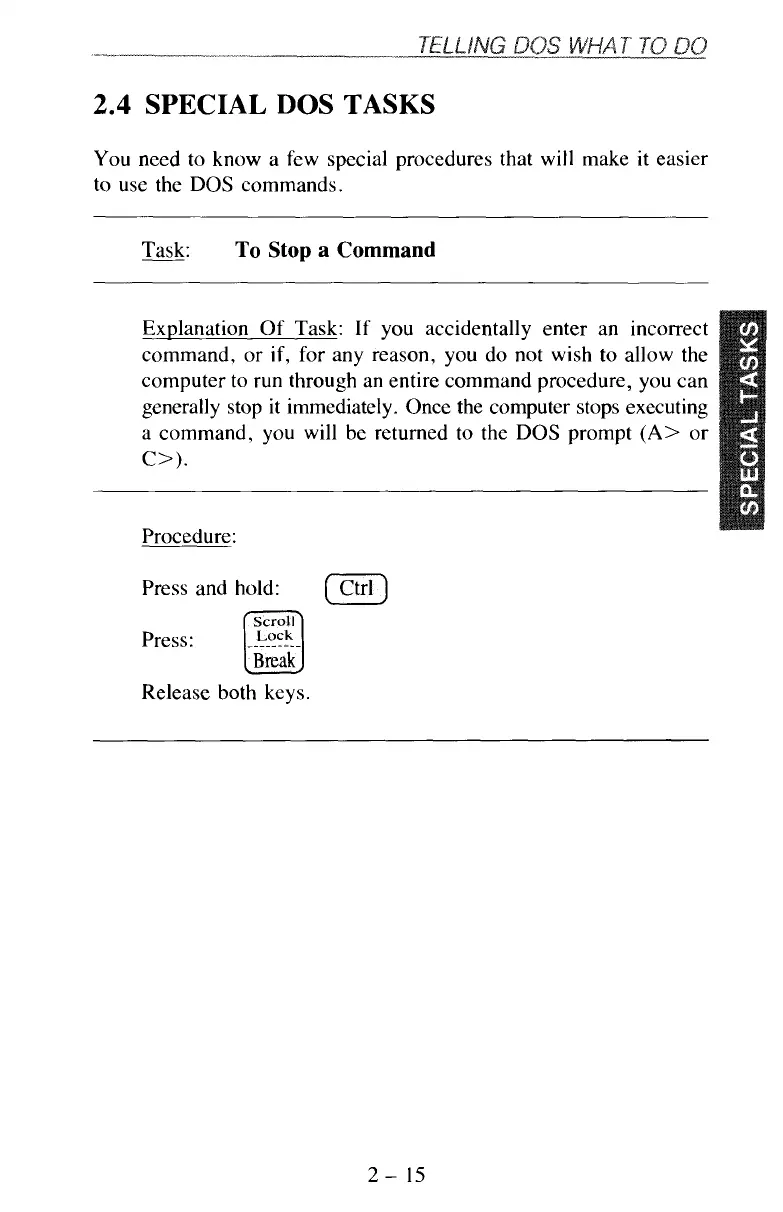
Press and hold:
Press:
__----
---
Release both keys.
[
Ctrl
1
2-
15



 To Next Page