TU
G
1T
Partition (Fixed Disk)
_-
-
- -
-
-
- - -
--
-
-
-
__
-
-
- -
__
-
__
-
-
-
- -
_
-
- -
-
I
-
-
-
-
- -
__
-
__
__
-
The PARTITION command is the second step in preparing the fixed
disk drive for recording the
DOS
programs. The PARTITION com-
mand sets up the fixed disk drive
so
that all of its tracks and sectors
(see Appendix
D)
will be available for use with
DOS.
1.
Once
the
LOW
LEVEL
FORMAT
procedure
is
complete,
the
A>DOS
prompt appears on your monitor. To begin
partitioning the fixed disk
Type:
Press:
[Return)
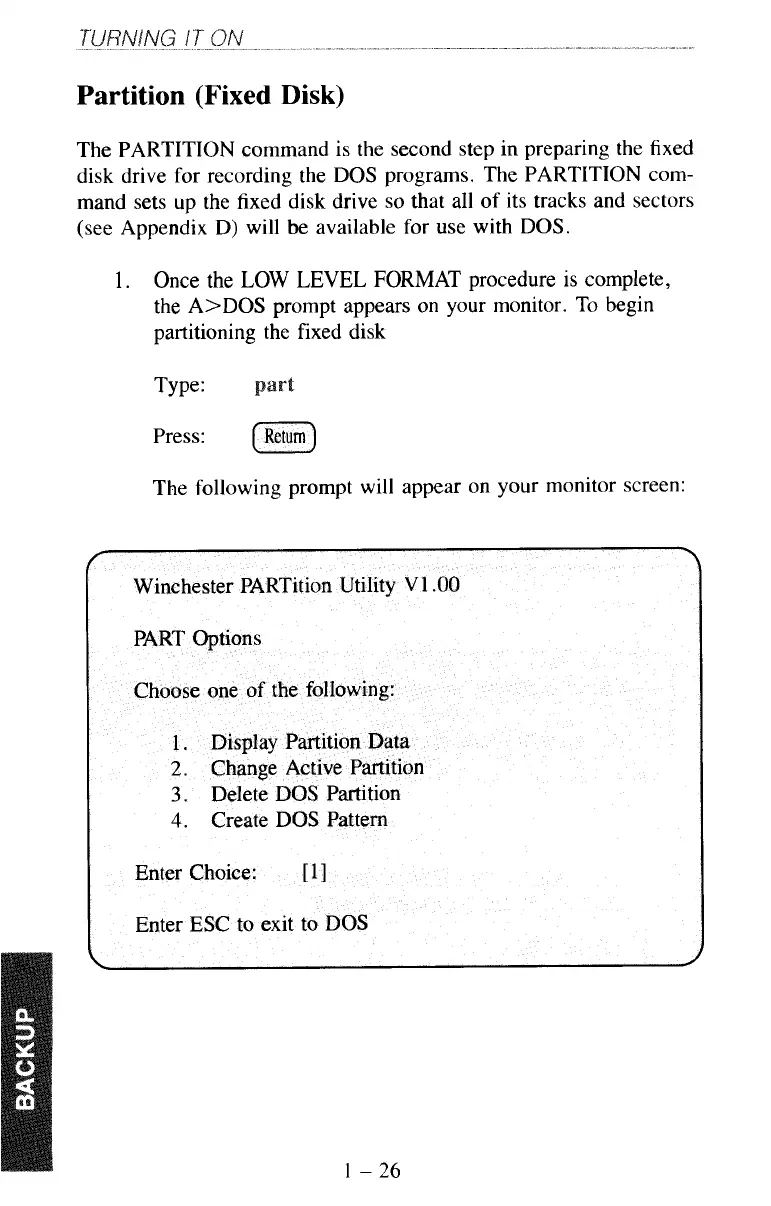
The following prompt will appear on your monitor screen:
1
-
26



 To Next Page