2.7
TIME
AND DATE
Once
DOS
is
loaded,
your
computer will ask you
for
the current time
and date. This is
to
help you manage your files by enabling you to
keep track
of
when a
file
was created
or
last revised.
For
instance,
this could help you keep track
of
the last time an address list file was
updated.
To
enter the time and date, follow the procedure given below.
1.
Once
DOS
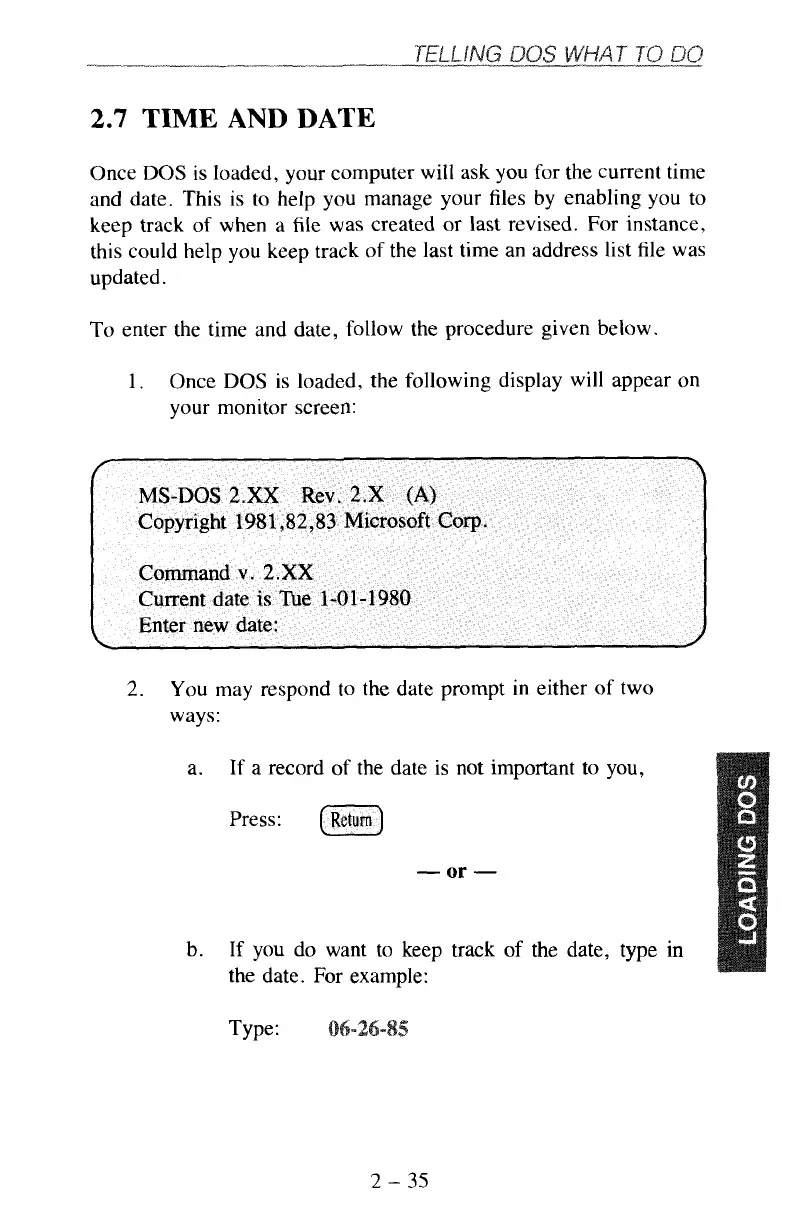
is loaded, the following display will appear on
your monitor screen:
2.
You may respond to the date prompt in either
of
two
ways:
a.
If
a record
of
the date is not important to you,
Press:
-
or
-
b.
If
you
do want to keep track
of
the date, type
in
the date.
For
example:
Type:
2
-
35



 To Next Page