3.
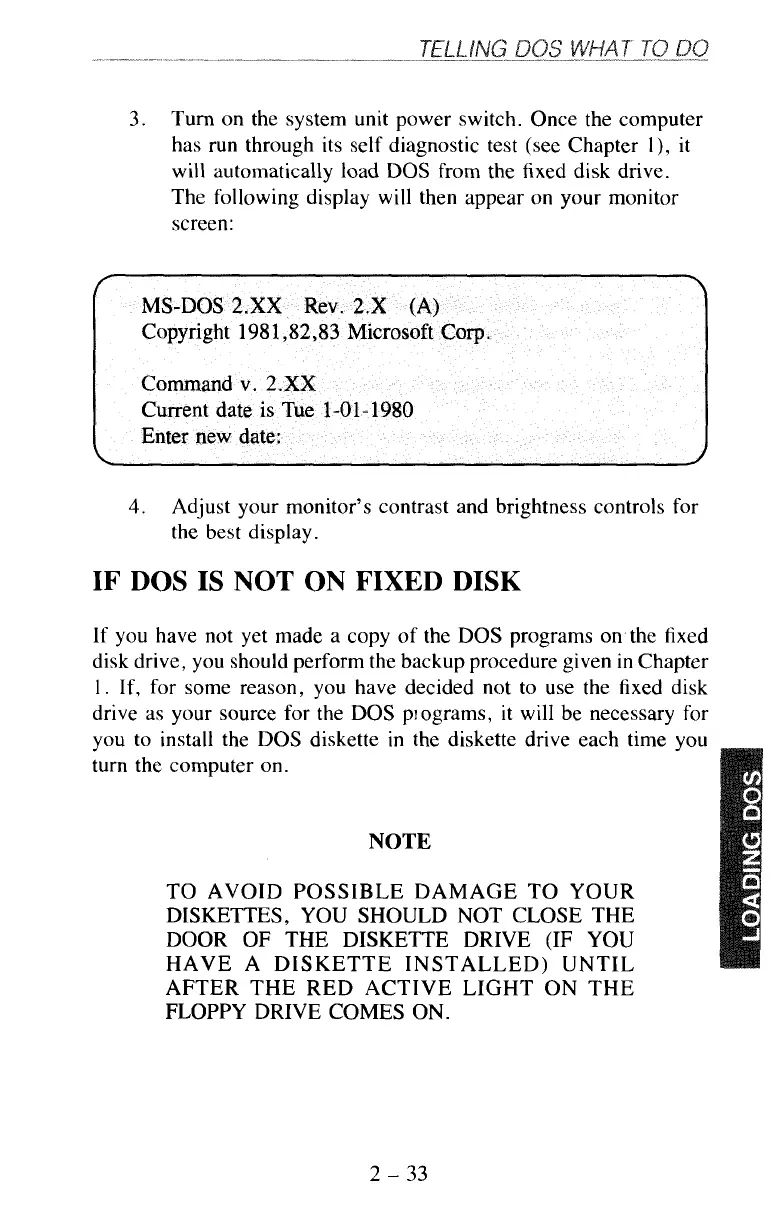
Turn on the system unit power switch. Once the computer
has run through its self diagnostic test (see Chapter l), it
will
automatically load
DOS
from the fixed disk drive.
The
following display will then appear on your monitor
screen:
4.
Adjust your monitor’s contrast and brightness controls for
the best display.
IF
DOS
IS
NOT
ON
FIXED
DISK
If
you
have not yet made a copy
of
the
DOS
programs on the fixed
disk drive, you should perform the backup procedure given in Chapter
1.
If, for some reason, you have decided not to use the fixed disk
drive as your source for the DOS piograms, it will be necessary for
YOU
turn
to install the
DOS
diskette in the diskette drive each time you
the computer on.
NOTE
TO AVOID POSSIBLE DAMAGE
TO
YOUR
DISKETTES, YOU SHOULD NOT CLOSE THE
DOOR
OF
THE DISKETTE DRIVE
(IF
YOU
HAVE A DISKETTE INSTALLED) UNTIL
AFTER THE RED ACTIVE LIGHT ON THE
FLOPPY DRIVE COMES ON.
2
-
33



 To Next Page