Task:
To
Correct
Typing
Errors
Explanation
Of
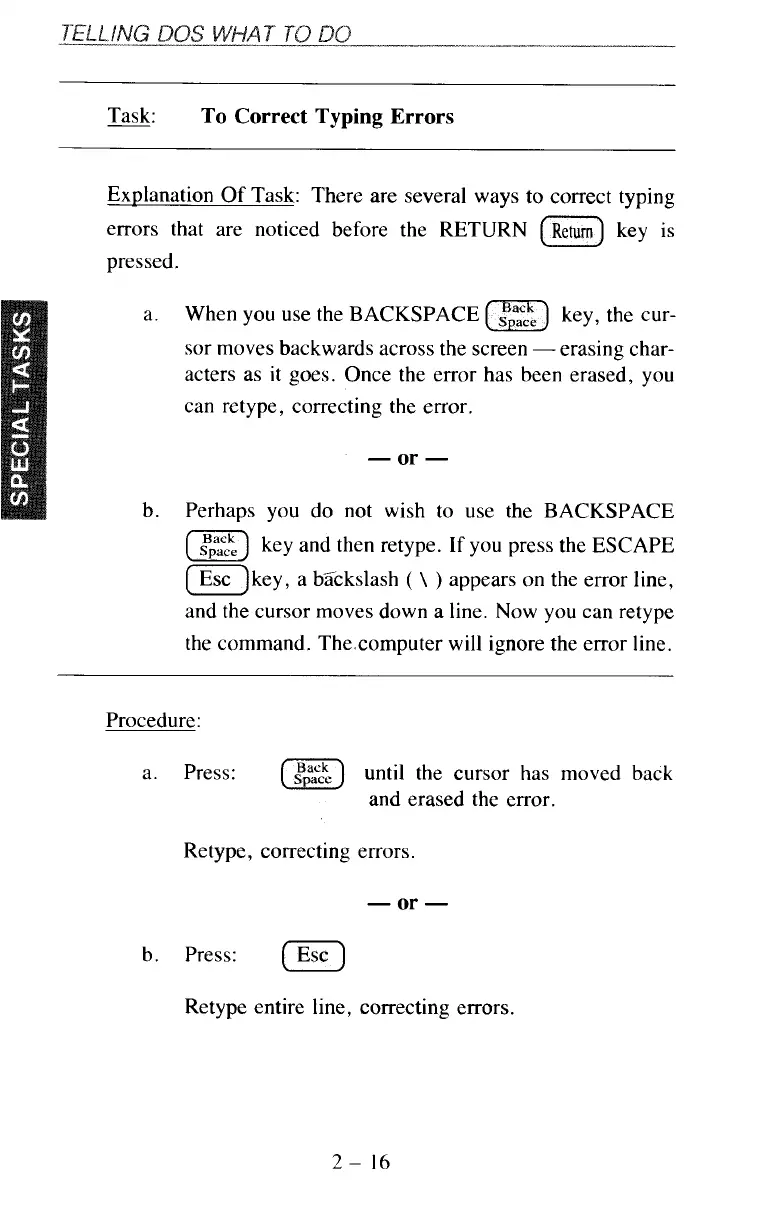
Task: There are several ways to correct typing
errors that are noticed before the RETURN
(G)
key is
pressed.
a. When you use the BACKSPACE
(z)
key, the cur-
sor moves backwards across the screen
-
erasing char-
acters as it goes. Once the error has been erased, you
can retype, correcting the error.
-
or
-
b. Perhaps you do not wish to use the BACKSPACE
(z]
key and then retype.
If
you press the ESCAPE
(=)key, a bZckslash
(
\
)
appears on the error line,
and the cursor moves down a line. Now you can retype
the command. Thexomputer will ignore the error line.
Procedure:
a. Press:
(E]
until the cursor has moved back
and erased the error.
Retype, correcting errors.
-
or
-
b. Press:
Retype entire line, correcting errors.
2-
16



 To Next Page