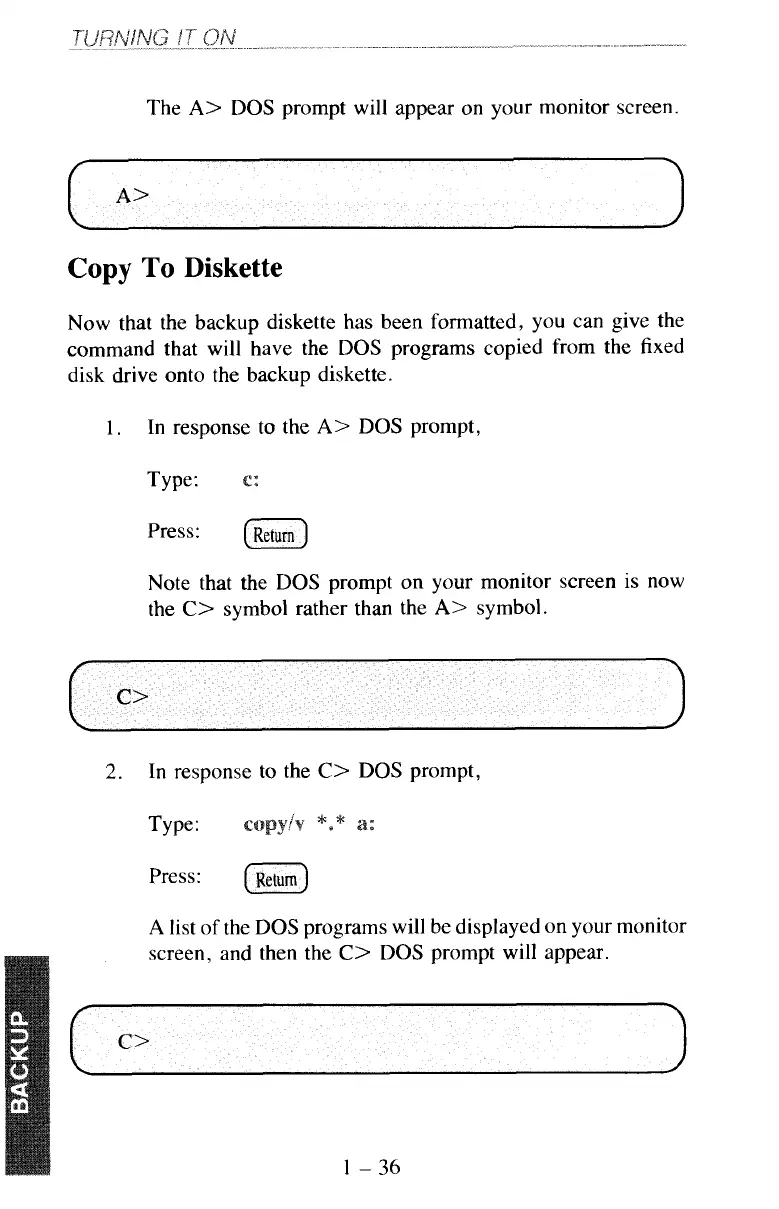
The
A>
DOS
prompt will appear on your monitor screen.
Copy
To
Diskette
Now that the backup diskette has been formatted, you can give the
command that will have the
DOS
programs copied from the fixed
disk drive onto the backup diskette.
1.
In response to the
A>
DOS
prompt,
Type:
press:
(Return)
Note that the
DOS
prompt on your monitor screen is now
the
C>
symbol rather than the
A>
symbol.
2.
In response to the
C>
DOS
prompt,
Type:
A
list
of
the
DOS
programs will be displayed on your monitor



 To Next Page