NOTE
SEE CHAPTER
2
AND APPENDIX E FOR AN
EXPLANATION
OF
THIS COMMAND.
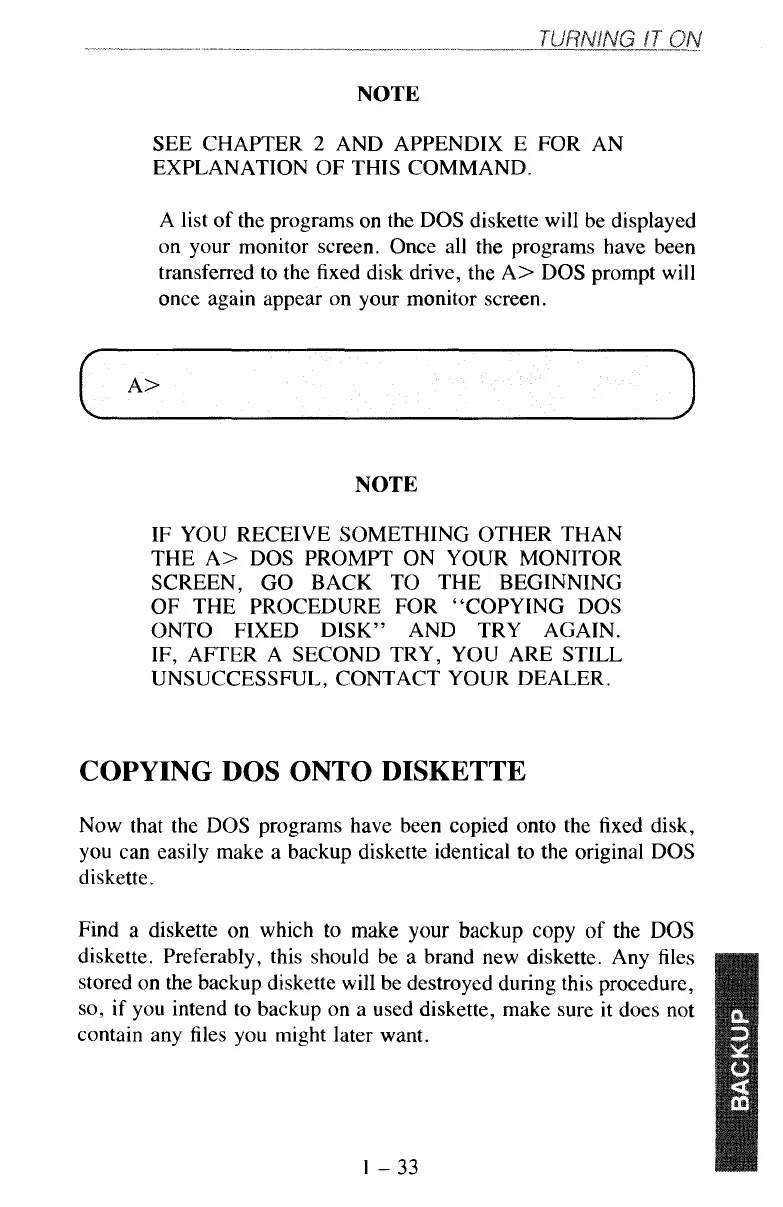
A list of the programs on the DOS diskette will be displayed
on your monitor screen. Once all the programs have been
transferred to the fixed disk drive, the A> DOS prompt will
once again appear on your monitor screen.
NOTE
IF YOU RECEIVE SOMETHING OTHER THAN
THE A> DOS PROMPT ON YOUR MONITOR
SCREEN, GO BACK TO THE BEGINNING
OF THE PROCEDURE FOR "COPYING DOS
ONTO FIXED DISK" AND TRY AGAIN.
IF, AFTER A SECOND TRY, YOU ARE STILL
UNSUCCESSFUL, CONTACT YOUR DEALER.
COPYING DOS
ONTO
DISKETTE
Now
that the DOS programs have been copied onto the fixed disk,
you can easily make a backup diskette identical to the original DOS
diskette.
Find
a
diskette
on
which
to
make your backup copy
of
the
DOS
diskette. Preferably, this should be a brand new diskette. Any files
stored on the backup diskette will be destroyed during this procedure,
so,
if you intend to backup on a used diskette, make sure it does not
contain any files you might later want.
1-33



 To Next Page