1.3
SETTING
UP YOUR COMPUTER
The design of the computer gives you freedom to set up your system
components in a way that will suit your needs.
1.
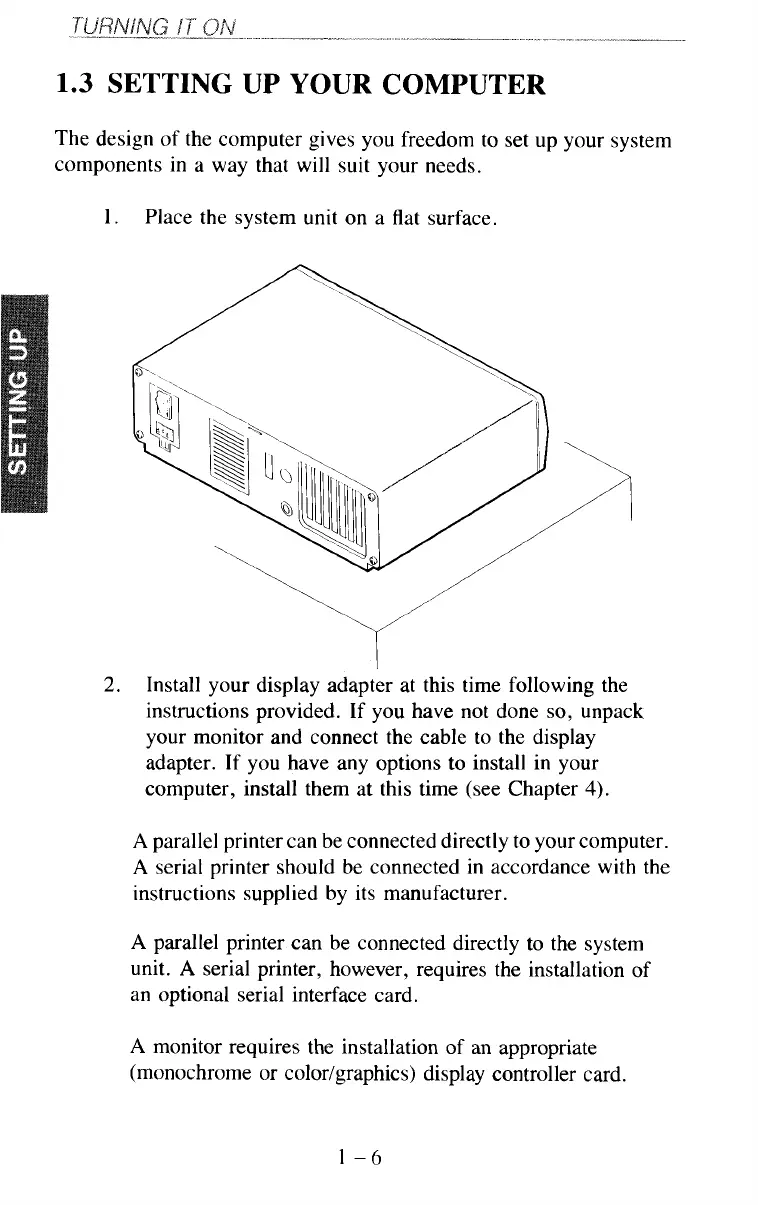
Place the system unit on a flat surface.
____I____
I
2.
Install your display adapter at this time following the
instructions provided. If you have not done
so,
unpack
your monitor and connect the cable to the display
adapter. If you have any options to install in your
computer, install them at this time (see Chapter
4).
A
parallel printer can be connected directly to your computer.
A
serial printer should be connected in accordance with the
instructions supplied by its manufacturer.
A
parallel printer can be connected directly to the system
unit.
A
serial printer, however, requires the installation of
an optional serial interface card.
A
monitor requires the installation
of
an appropriate
(monochrome or color/graphics) display controller card.
1-6



 To Next Page