7.
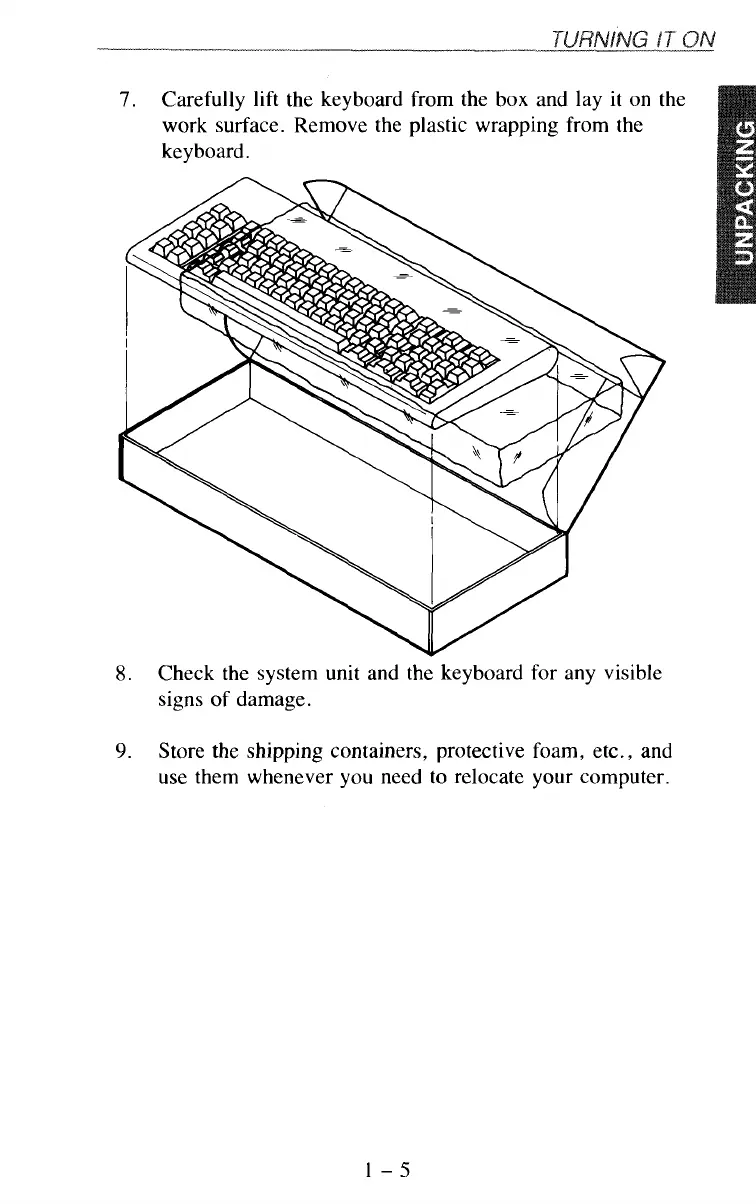
Carefully
lift
the keyboard from the box and lay it on the
work surface. Remove the plastic wrapping from the
8.
Check the system unit and the keyboard for any visible
signs of damage.
9.
Store the shipping containers, protective foam, etc., and
use them whenever you need to relocate your computer.
1-5



 To Next Page