THE
DOS COMMANDS
COMMAND:
MODE
(continued)
PROCEDURE: (continued)
press:
(RetUm)
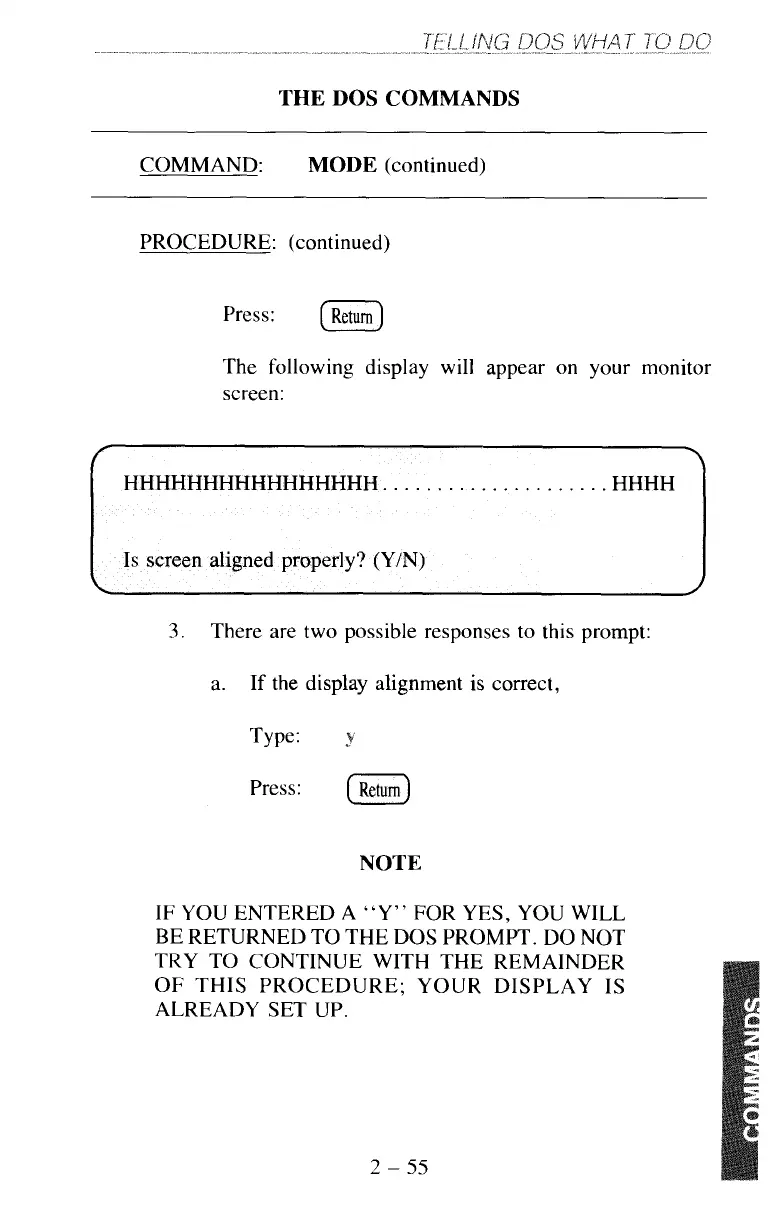
The following display will appear on your monitor
screen:
3.
There are two possible responses to this prompt:
a.
If the display alignment is correct,
Type:
,B
Press:
[Return)
NOTE
IF
YOU
ENTERED
A
“Y”
FOR YES, YOU WILL
BE RETURNED TO THE DOS PROMPT. DO NOT
TRY TO CONTINUE WITH THE REMAINDER
OF
THIS PROCEDURE; YOUR DISPLAY IS
ALREADY
SET
UP.
2
-
55



 To Next Page