1.5
TURNING ON AND TESTING YOUR
COMPUTER
LOADING DOS
Each time you turn on the power switch; the computer performs a
self diagnostic test; that is to say, it tests its own circuits and com-
ponents.
If
it should find a problem,
it
will alert you by a display on
the monitor screen or by an audible error signal. Because
of
this
feature, you can always be confident that you are working with a
properly functioning system.
NOTE
FOR AN EXPLANATION OF ERROR MESSAGES,
REFER TO APPENDIX
C.
The procedure for turning on and testing the computer is given below.
I.
Make sure that you have correctly connected all the
components of your system.
2.
Turn on the monitor and wait one minute for it to warm
UP.
3.
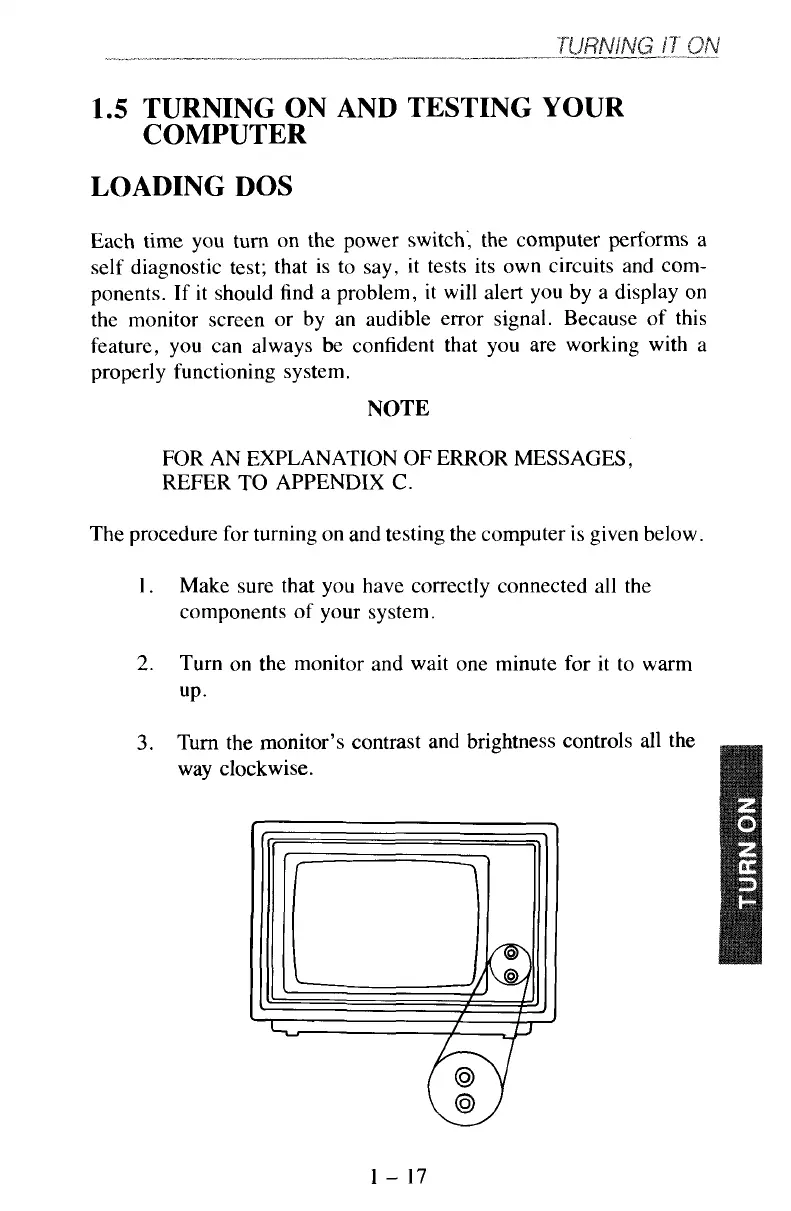
Turn the monitor’s contrast and brightness controls all the
way clockwise.
1
-
17



 To Next Page