I.
‘Turn the monitor on and wait one minute for it to warm
UP.
2.
If you are uncertain about how your monitor’s contrast
and brightness controls should be set, turn them all the
way clockwise.
3.
Insert the
DOS
diskette (Chapter
I)
but do not close the
door of the diskette drive.
4.
Turn on the system unit power switch.
5.
As soon as you see the test status message (Chapter
1)
appear in the top left comer
of
your monitor screen, close
the door of the diskette drive. Once the computer has run
through its self diagnostic test, it will automatically load
DOS
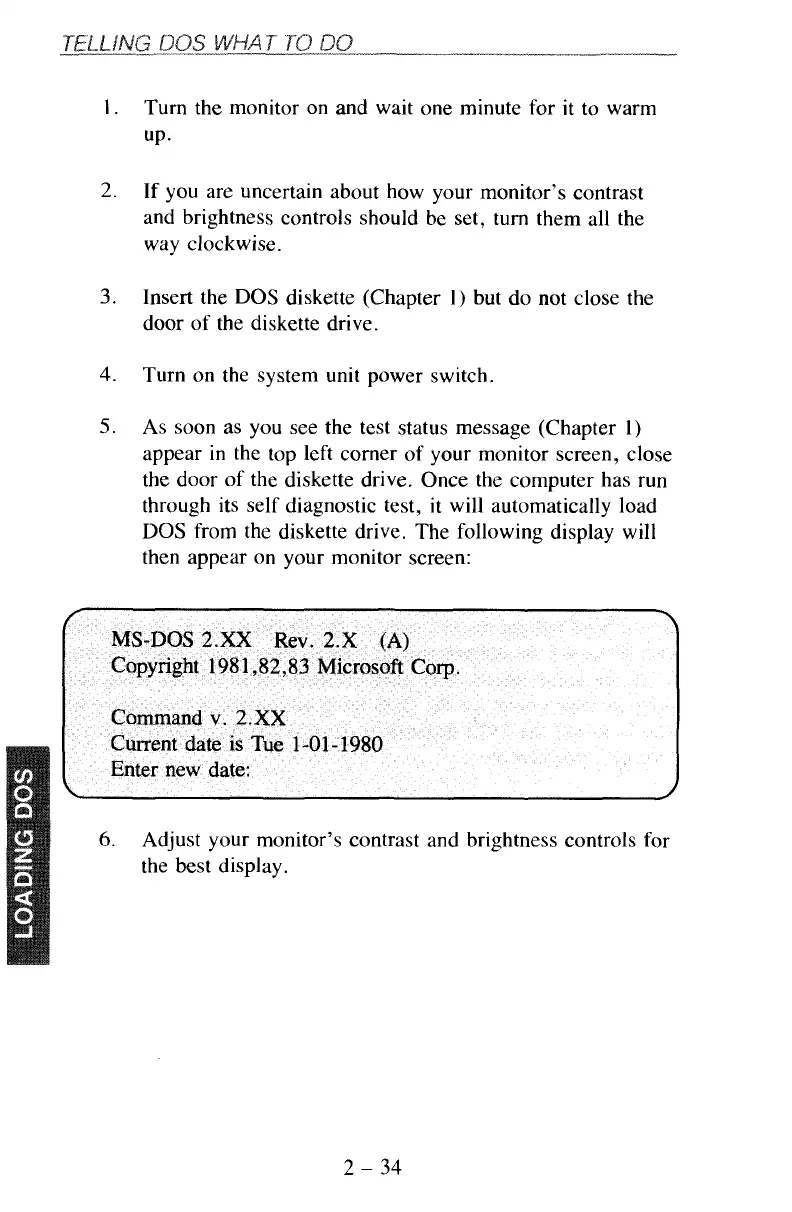
from the diskette drive. The following display will
then appear on your monitor screen:
6.
Adjust your monitor’s contrast and brightness controls for
the best display.
2
-
34



 To Next Page