6.
In response to this prompt, enter the new date (i.e., today’s
date). For example, suppose the date were January
3
1,
1985.
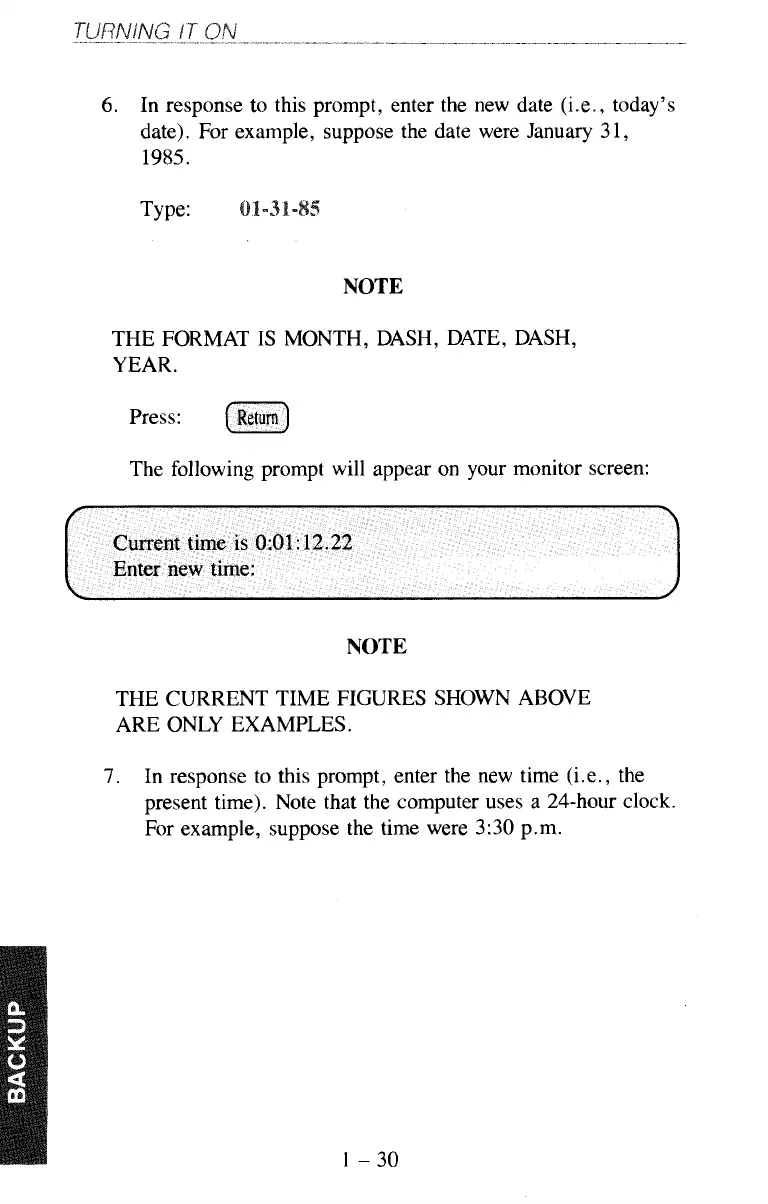
Current time
is
0:01:12.22
Enter new time:
Type:
NOTE
THE FORMAT
IS
MONTH, DASH, DATE, DASH,
YEAR.
Press:
(Return)
The following prompt will appear on your monitor screen:
NOTE
THE CURRENT TIME FIGURES SHOWN ABOVE
ARE ONLY EXAMPLES.
7.
In response to this prompt, enter the new time (Le., the
present time). Note that the computer uses a 24-hour clock.
For example, suppose the time were
3:30
p.m.
1-30



 To Next Page