THE DOS COMMANDS
COMMAND:
DIRECTORY
(continued)
PROCEDURE: (continued)
4.
If
you wish to see a directory
of
the files on a diskette,
insert the diskette and close the drive door.
5.
In
response to the DOS prompt,
Type:
Press:
(Rclum)
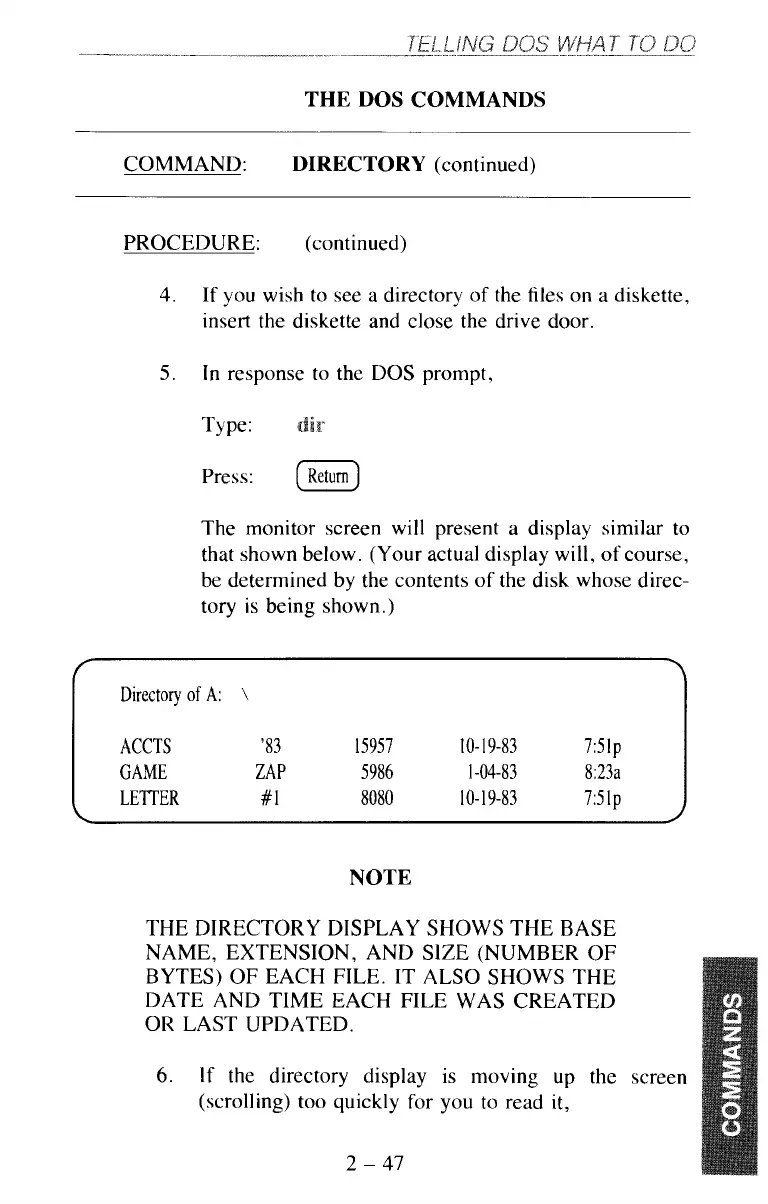
The monitor screen will present a display similar to
that shown below. (Your actual display will,
of
course,
be determined by the contents
of
the disk whose direc-
tory is being shown.)
Directory
of
A:
\
ACCTS '83
15957
IO-
19-83
751p
GAME ZAP 5986
1-04-83 8:23a
LETTER
#I
8080
IO-
19-83
751p
NOTE
THE DIRECTORY DISPLAY SHOWS THE BASE
NAME, EXTENSION, AND SIZE (NUMBER
OF
BYTES)
OF
EACH FILE. IT ALSO SHOWS THE
DATE AND TIME EACH FILE WAS CREATED
OR LAST UPDATED.
6.
If
the directory display is moving up the screen
(scrolling)
too
quickly for you to read
it,
2
-
47



 To Next Page