THE DOS COMMANDS
COMMAND:
FORMAT
(continued)
PROCEDURE: (continued)
3.
In response to this prompt,
Insert the diskette you want formatted and close the
diskette drive door.
Press:
(Return)
The diskette drive activity indicator will light as the
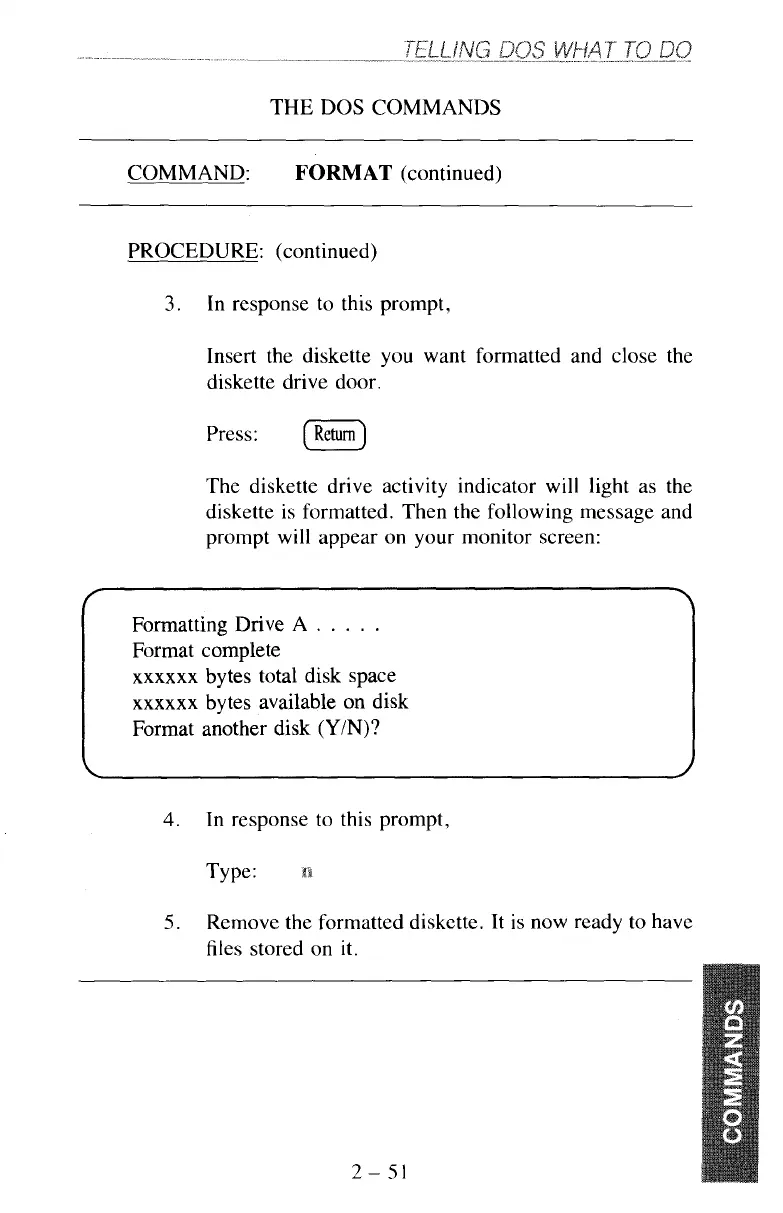
diskette is formatted. Then the following message and
prompt will appear on your monitor screen:
T
7
Formatting Drive
A
.
.
.
.
.
Format complete
xxxxxx
bytes total disk space
xxxxxx
bytes available
on
disk
Format another disk
(Y/N)?
4.
In response to this prompt,
Type:
5.
Remove the formatted diskette. It is now ready to have
files stored on
it.
2-51



 To Next Page