APPENDIX
A
The
DOS
Keyboard
(continued)
Key Name
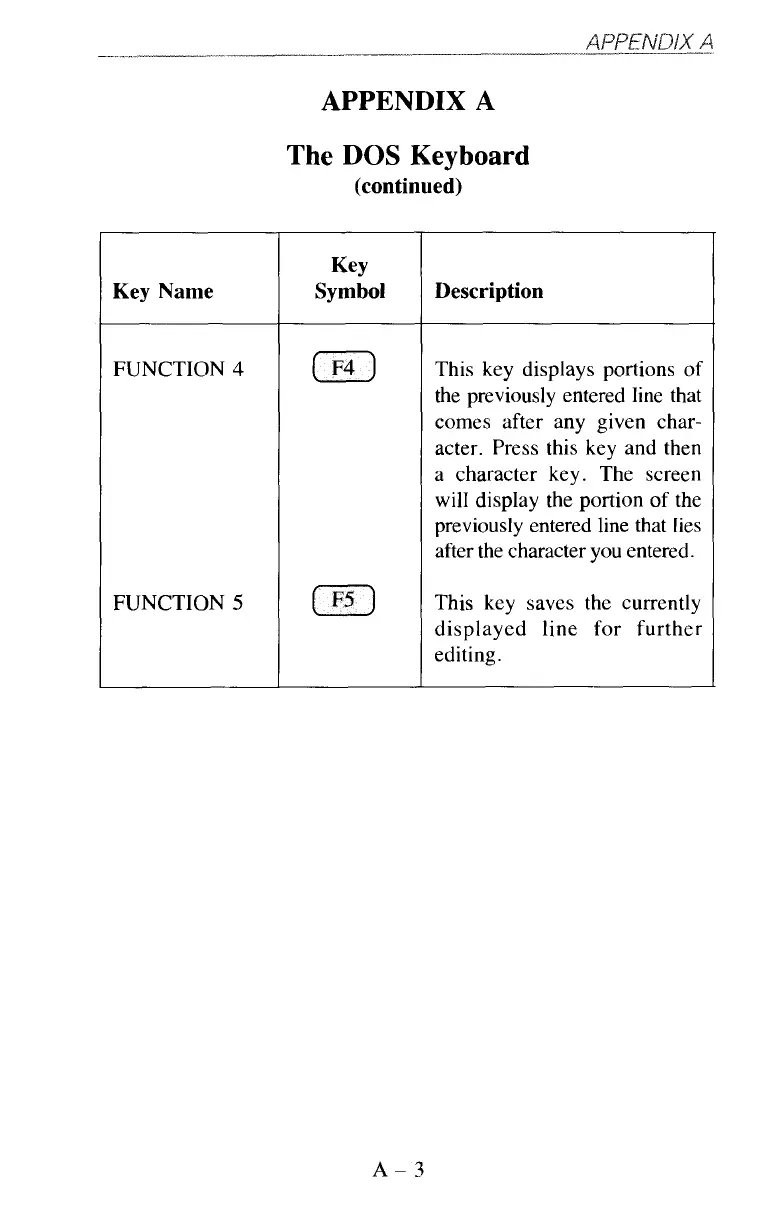
FUNCTION 4
FUNCTION
5
Key
Symbol Description
This key displays portions of
the previously entered line that
comes after any given char-
acter. Press this key and then
a character key. The screen
will display the portion of the
previously entered line that lies
after the character you entered.
This key saves the currently
displayed line for further
editing.
A-3



 To Next Page