Table
2-1
(Continued)
Special Keys
Key Name
SPACEBAR
(cont.)
CAPS
LOCK
~
Key
Symbol
~~
Comments
The space character created by the
SPACEBAR also takes up one
space in random access memory
(RAM) and on a storage disk.
Remember this when you use the
SPACEBAR to do such tasks as
erase a line.
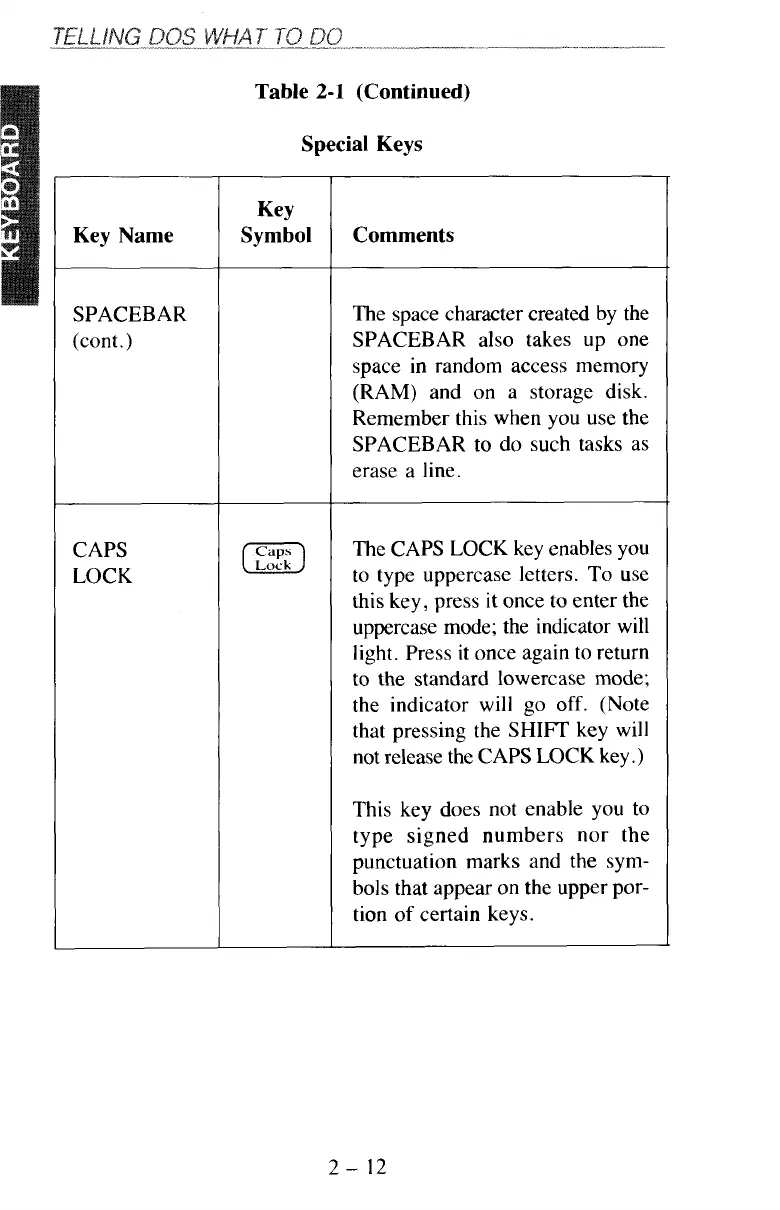
The CAPS LOCK key enables you
to type uppercase letters. To use
this key, press it once
to
enter the
uppercase mode; the indicator will
light. Press it once again to return
to the standard lowercase
mode;
the indicator will go
off.
(Note
that pressing the
SHIFT
key
will
not release the CAPS LOCK key
.)
This key does not enable you
to
type signed numbers nor the
punctuation marks and the sym-
bols that appear on the upper por-
tion
of
certain keys.
2-
12



 To Next Page